Discover the Best AI Photo Editing Software for 2024
In the world of digital photography, choosing the right tools can make all the difference. This guide explores the Best AI Photo Editing Software available today, showcasing innovative solutions designed to elevate your editing experience, whether you are a beginner or a professional.
Table of Contents
AI Photo Editing Software
Luminar Neo
Luminar Neo, created by Skylum, is a sophisticated AI photo editing tool tailored for photographers and visual content creators. Its intuitive interface streamlines the editing process, making it accessible for users of all skill levels.
At the core of Luminar Neo’s functionality is its enhanced AI feature, which analyzes various aspects of an image to provide comprehensive improvements. This feature detects elements like people, water, and sky, allowing for intelligent adjustments to brightness, contrast, and sharpness.
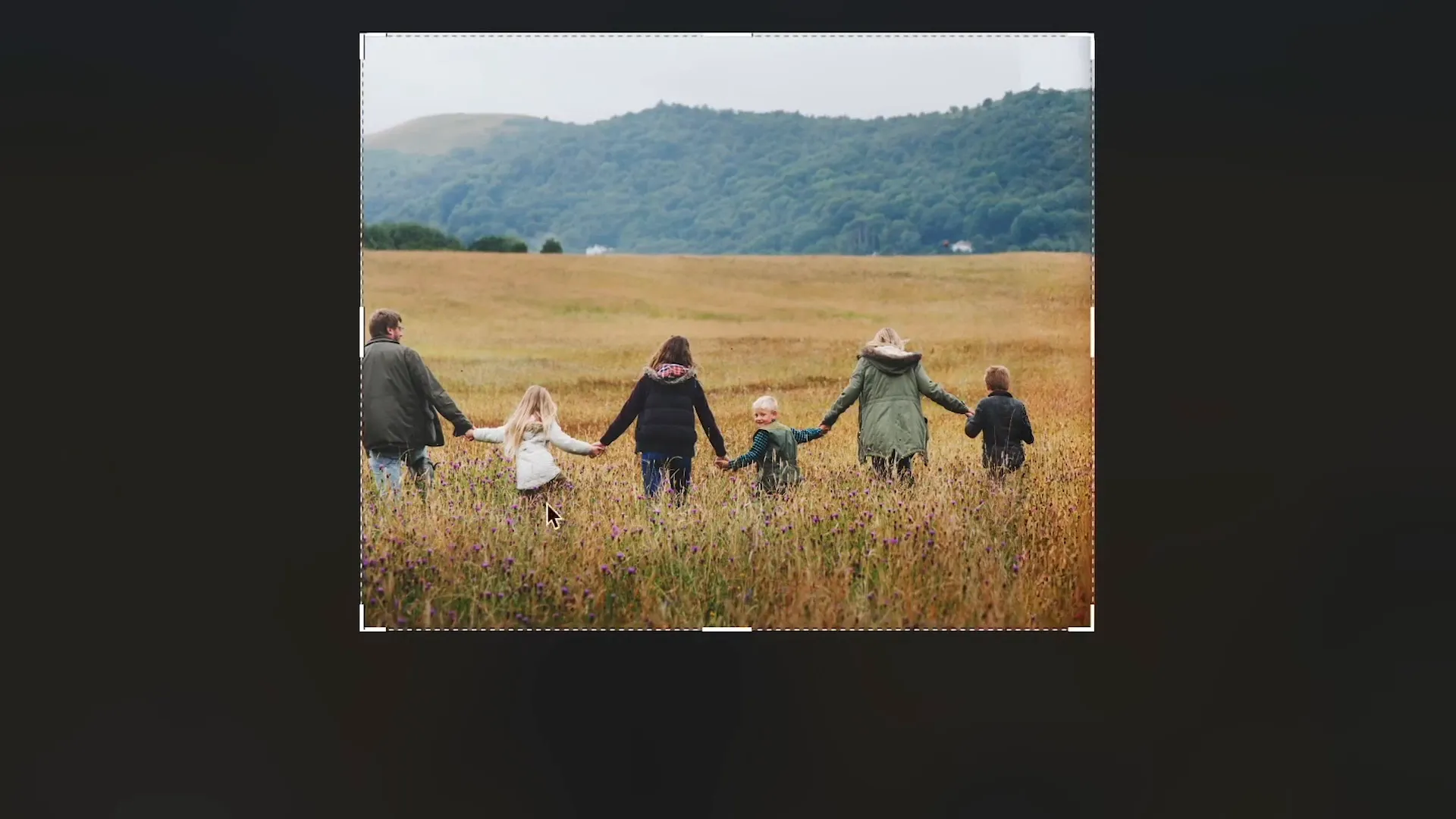
One standout capability is AI photo masking. This tool allows users to apply edits to specific image areas effortlessly, even isolating intricate details like hair strands. This precision is crucial for targeted adjustments without affecting the entire image.
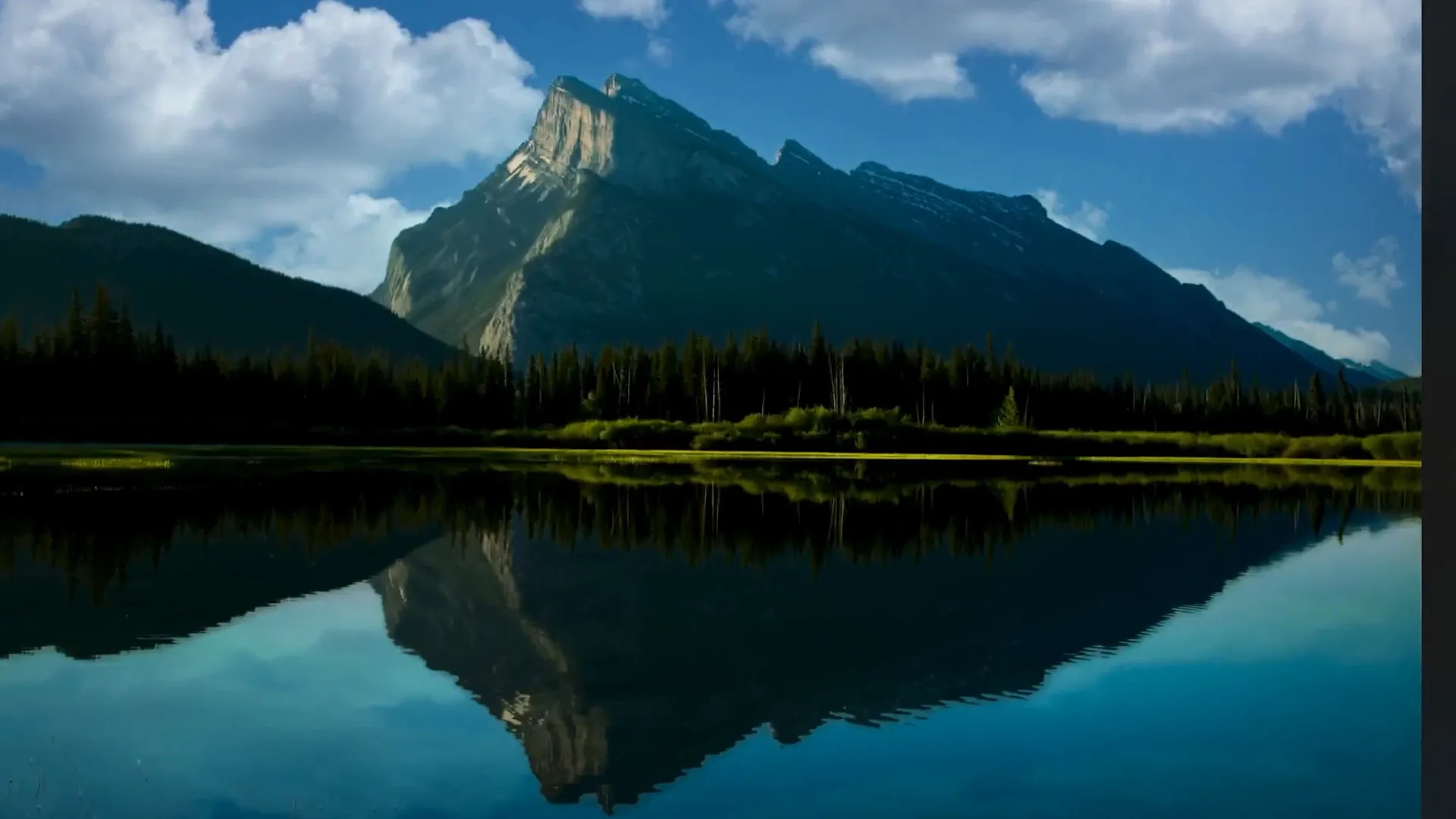
Another innovative feature is Sky AI, which lets photographers replace the sky in their images with more dramatic or fitting backdrops. The AI ensures the new sky blends seamlessly with the photo’s existing elements, adjusting lighting and colors for a natural look.

Luminar Neo also uses Structure AI to enhance details intelligently, adding depth and texture to various elements in a photo without overdoing it. This ensures a natural appearance, avoiding issues like unnatural sharpening.
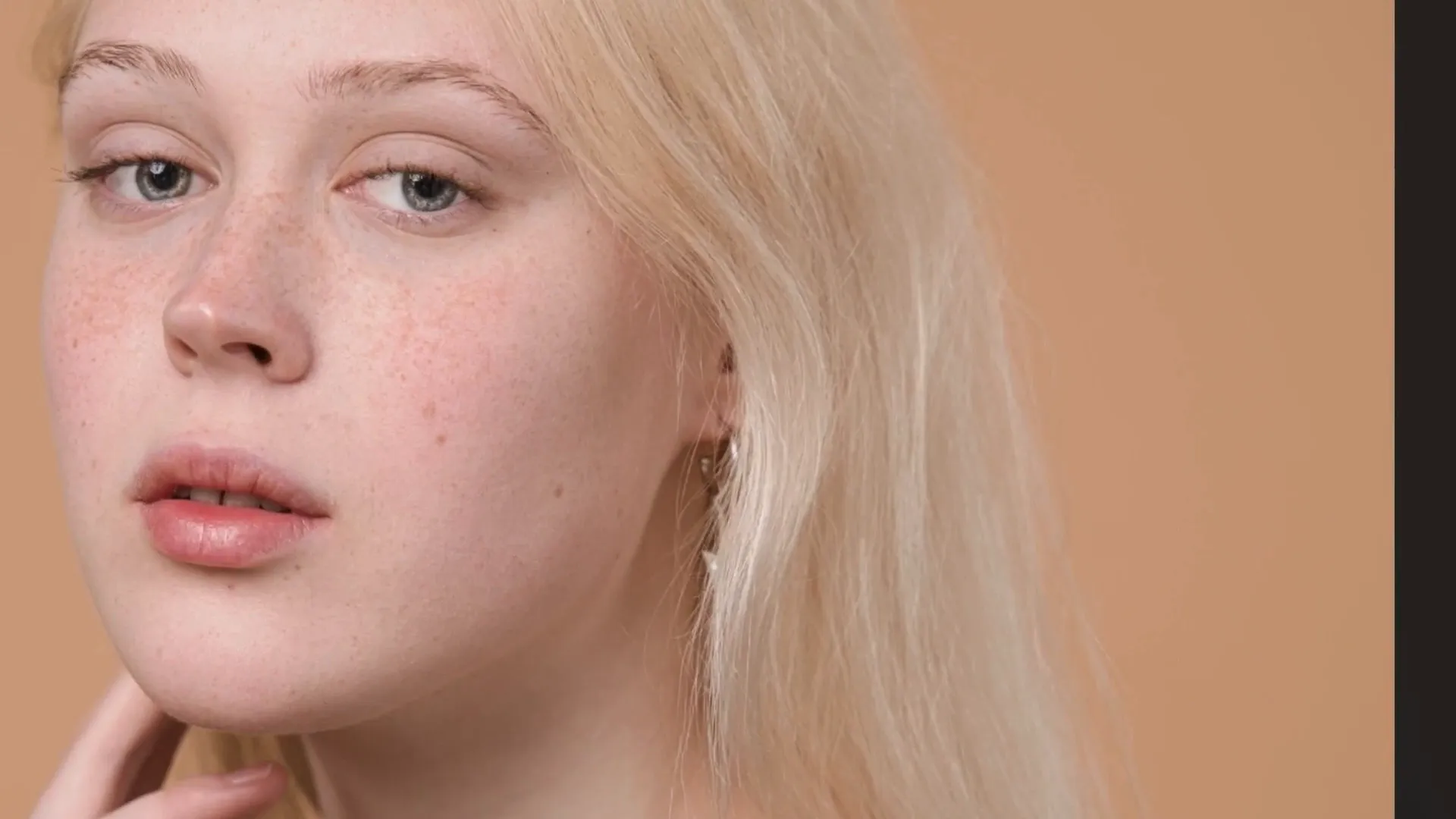
Adobe Photoshop
Adobe Photoshop is a well-known name in photo editing, offering a comprehensive suite of tools that cater to diverse creative needs. With the integration of AI, Photoshop simplifies complex editing tasks, enhancing user experience.
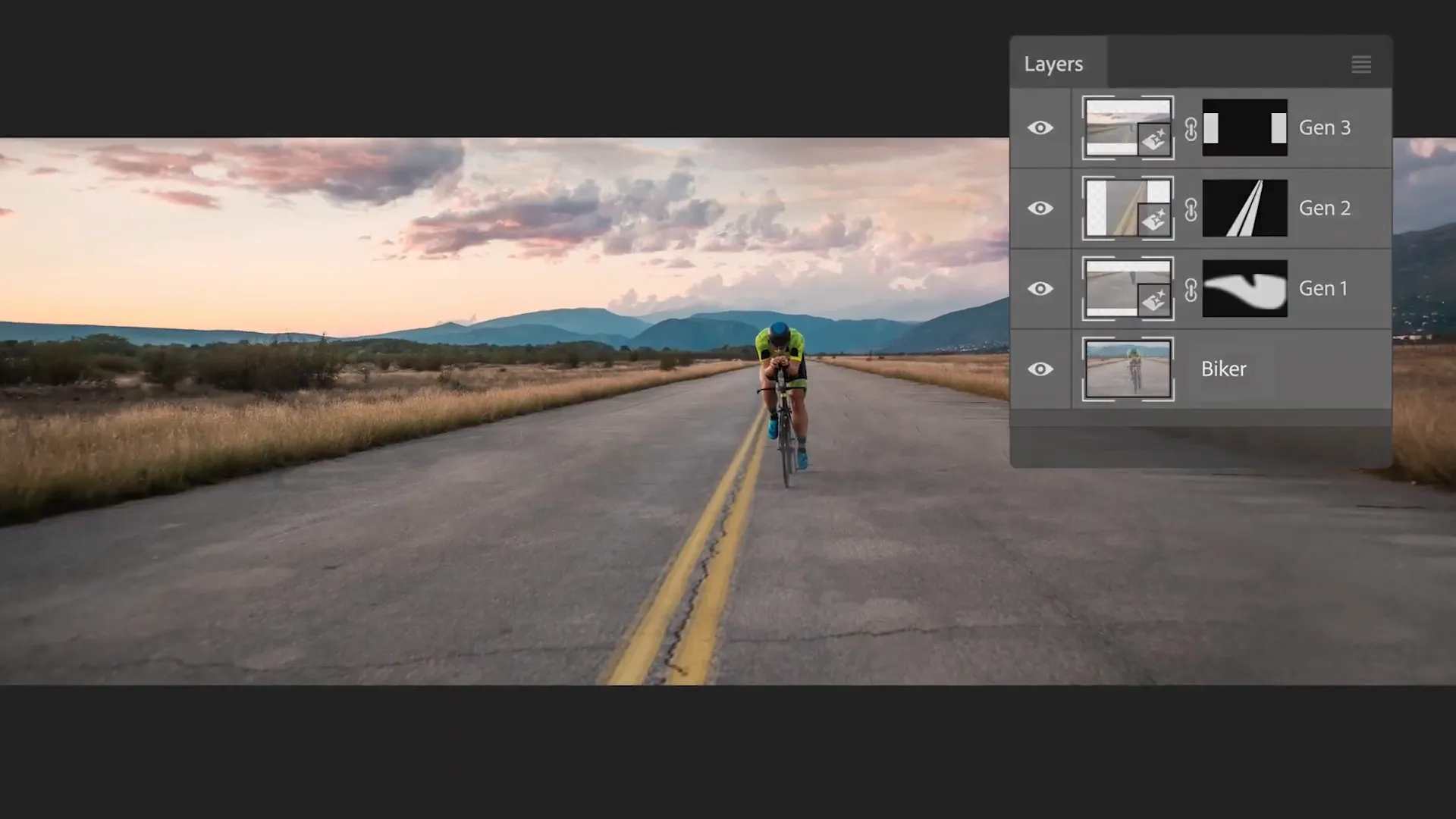
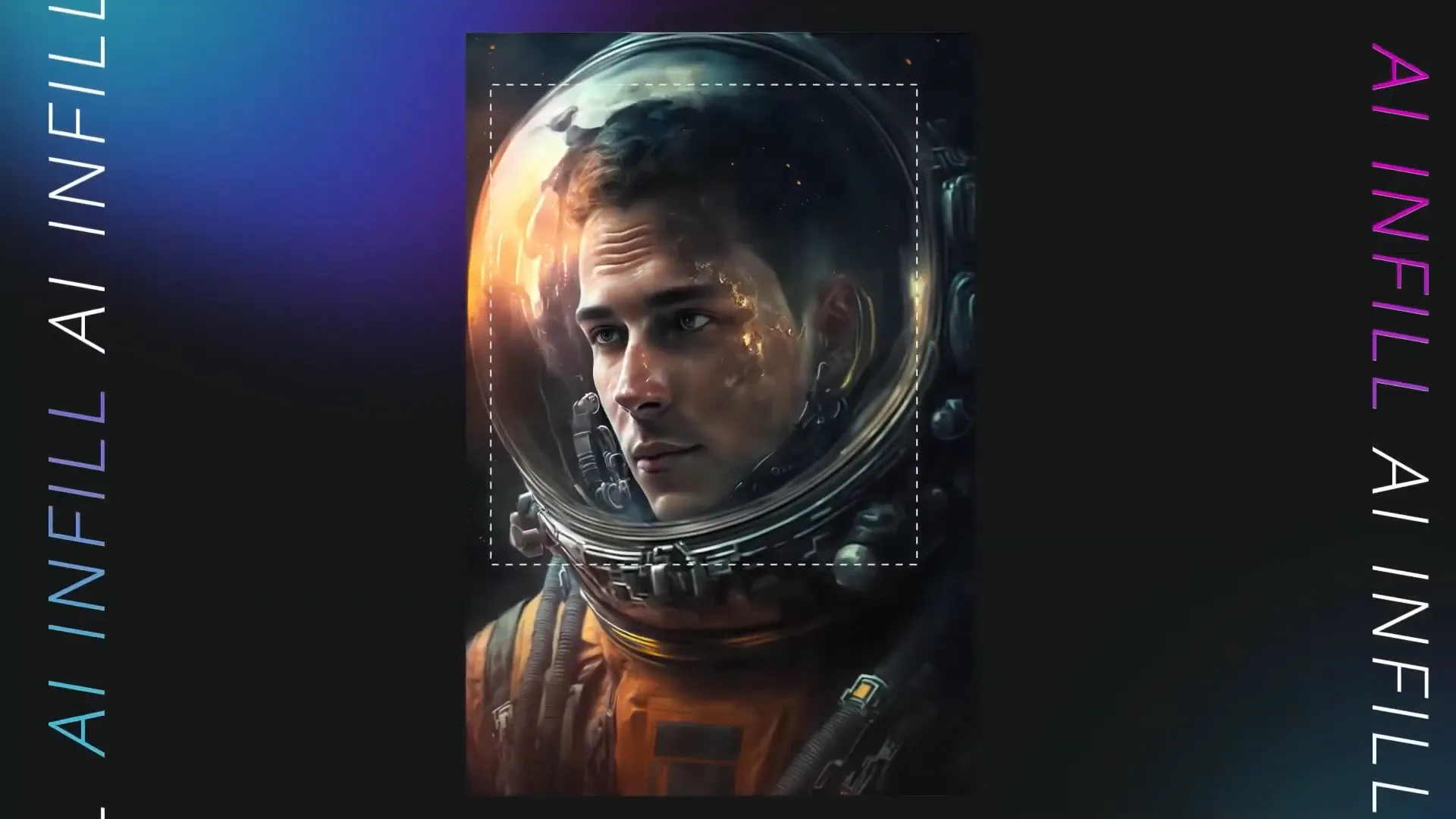
Powered by Adobe Firefly, Photoshop’s AI features enable users to perform generative tasks, such as filling in or expanding parts of images based on context. Users can simply select an area and describe what they want to add, making complex edits more intuitive.
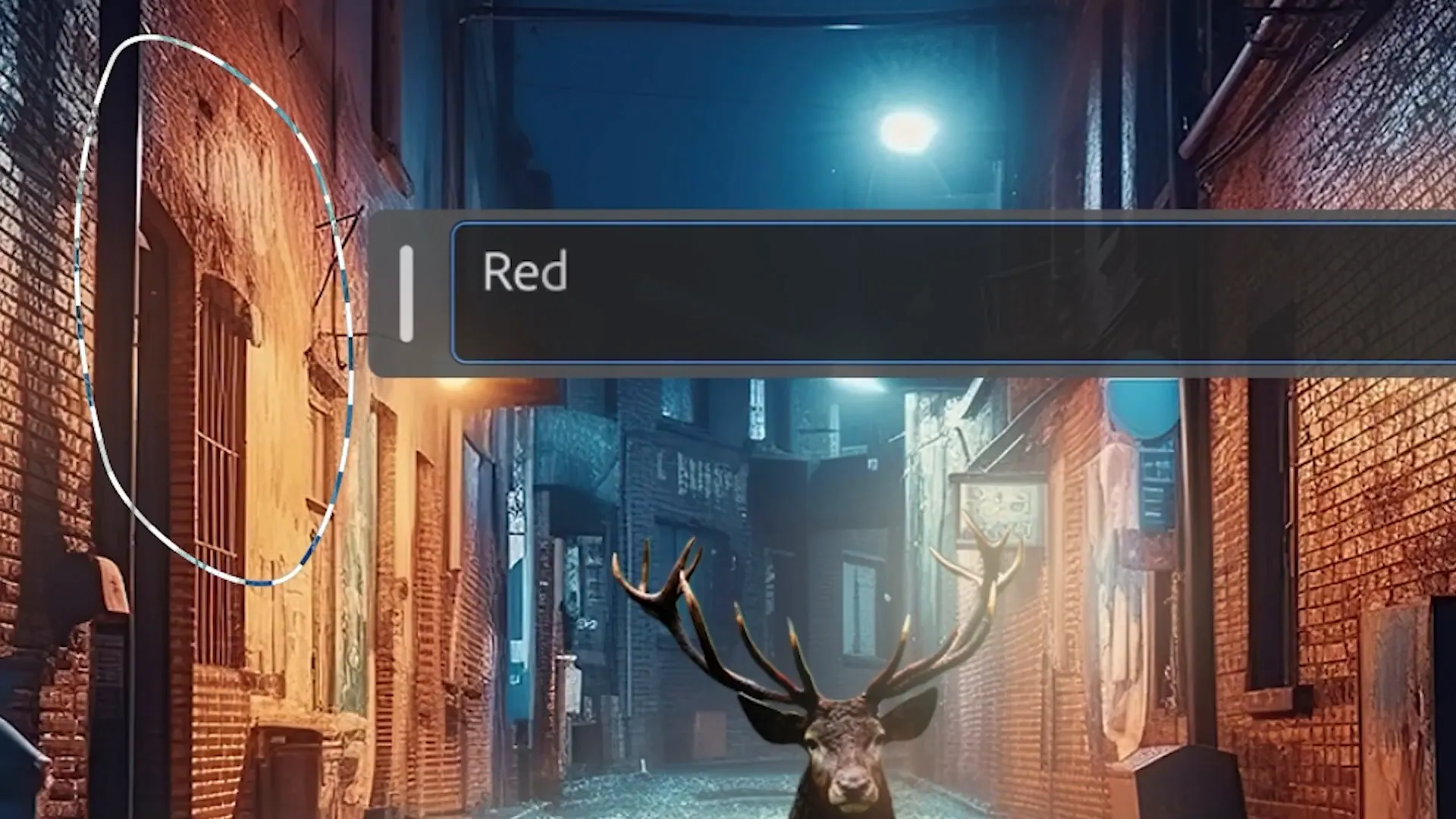
The software excels in removing unwanted elements, allowing users to select objects for removal while the AI replaces them with a suitable background. This capability extends to automatic subject selection and background removal, streamlining workflow.
Photoshop’s AI tools also include content-aware fill, which quickly replaces parts of photos with appropriate alternatives. The software’s neural filters powered by machine learning make complex tasks simpler and faster.
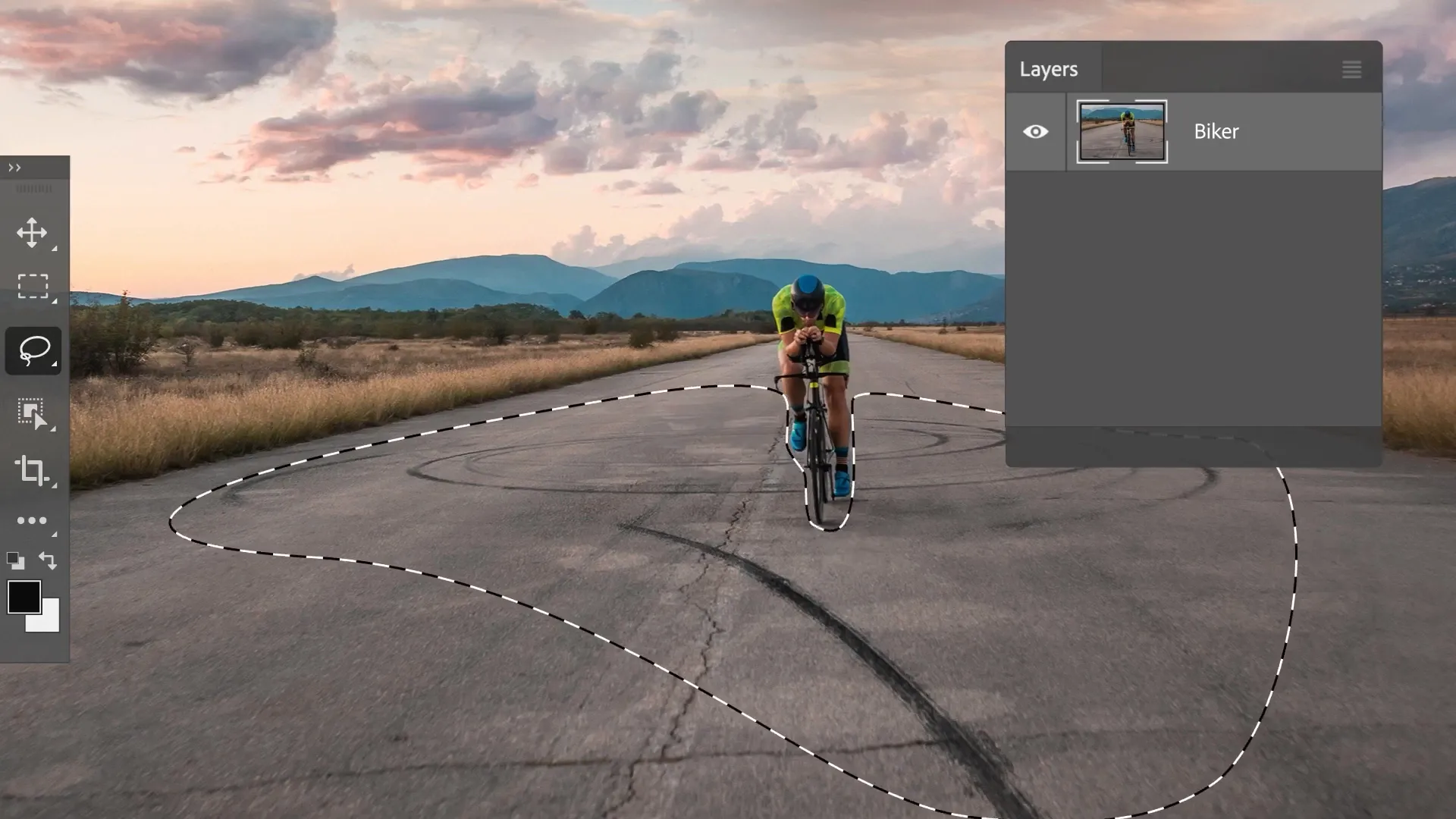
Photo AI
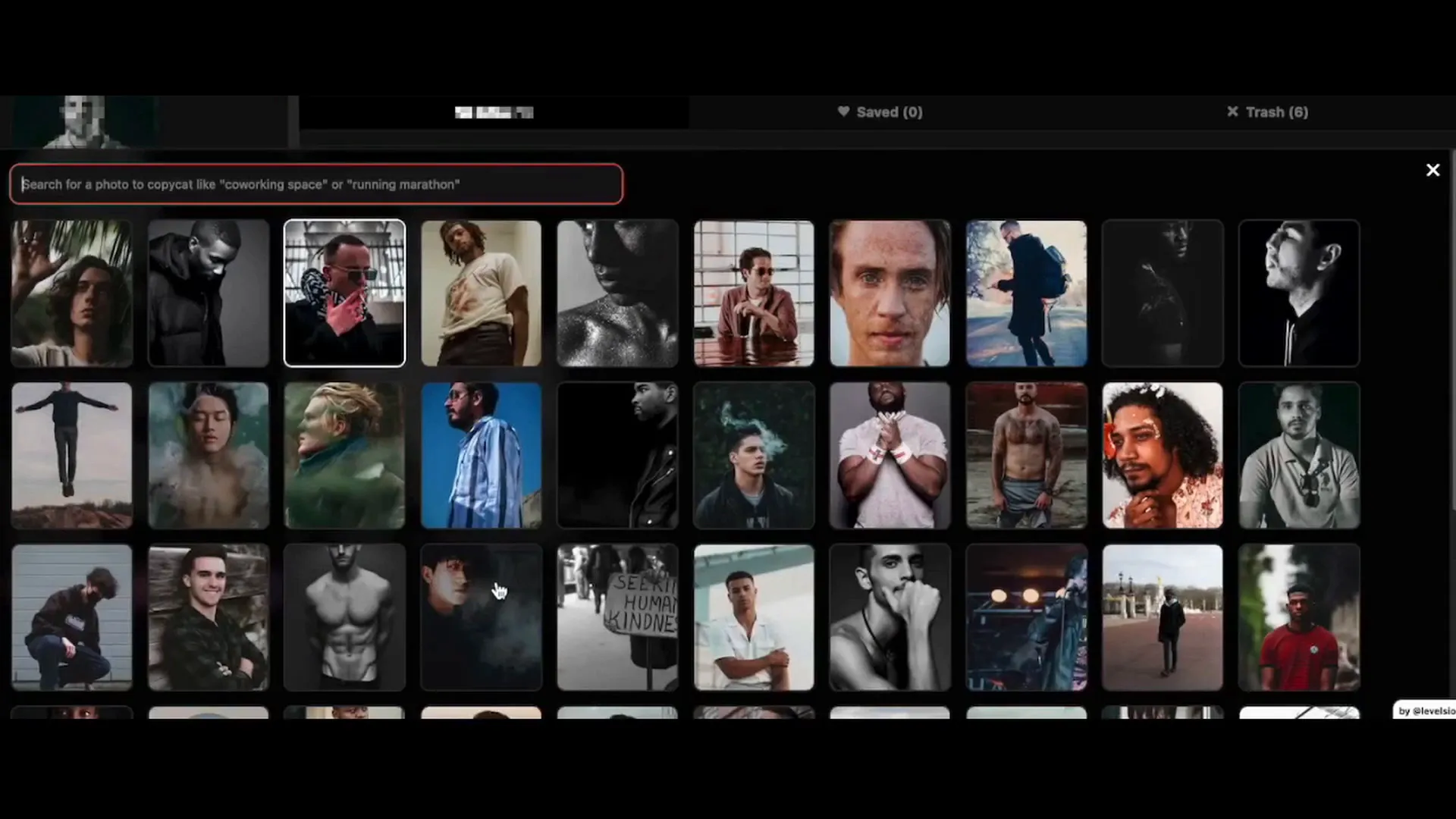
Photo AI is designed for both amateur and professional photographers, utilizing advanced AI to enhance the editing process. Its features streamline workflows, making photo improvement efficient and user-friendly.
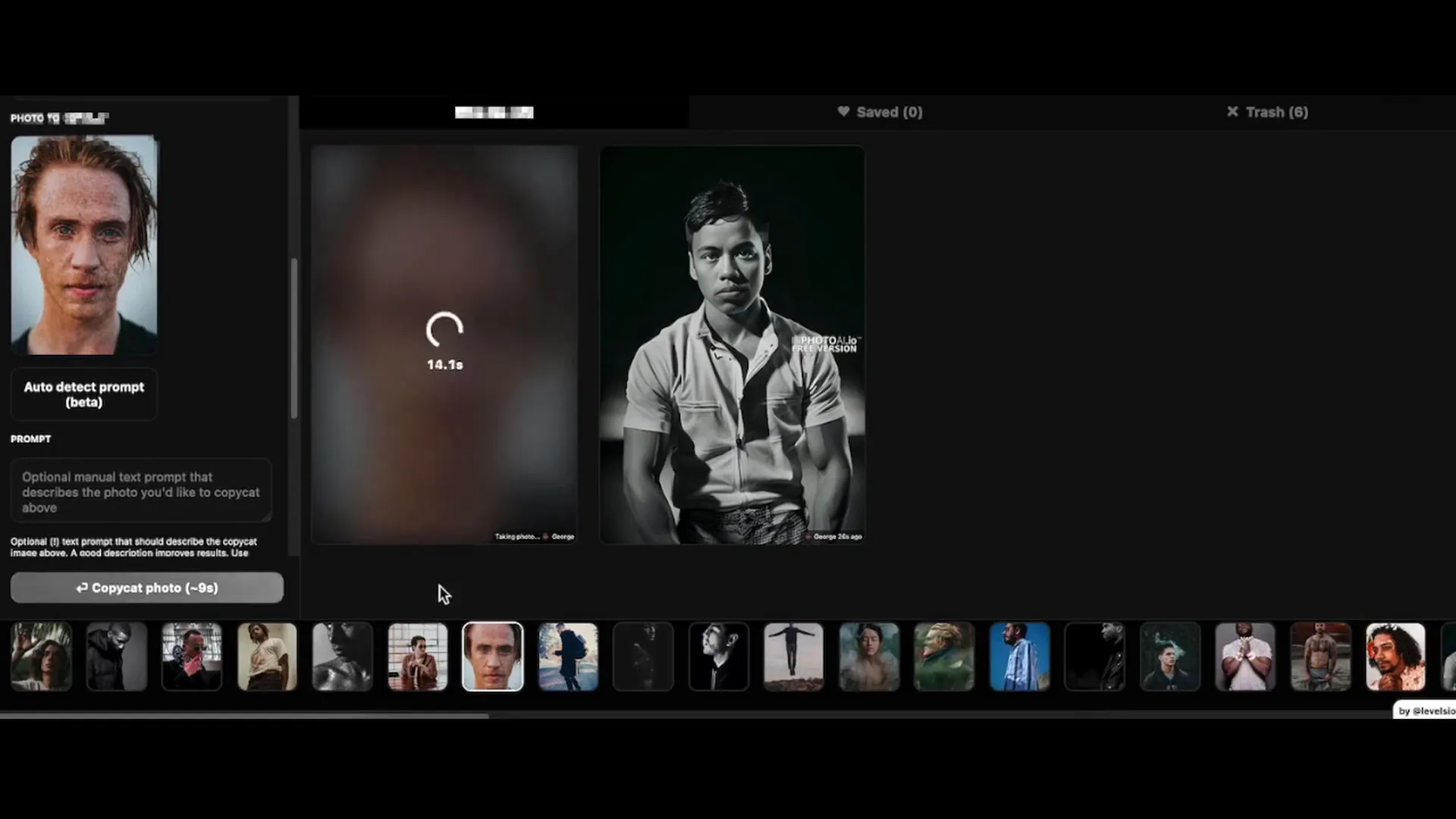
A key feature of Photo AI is its automatic adjustment capability, which fine-tunes aspects like brightness and contrast based on the specific photo. This tailored enhancement ensures optimal results without requiring extensive editing knowledge.
For those who prefer manual control, Photo AI offers fine-tuning options and tools for complex editing tasks, including unwanted element removal and image upscaling. This versatility caters to various user preferences.
Corel PaintShop Pro
PaintShop Pro provides a versatile range of professional editing and graphic design tools enhanced by AI solutions. This software is designed to assist photographers and designers of all skill levels.
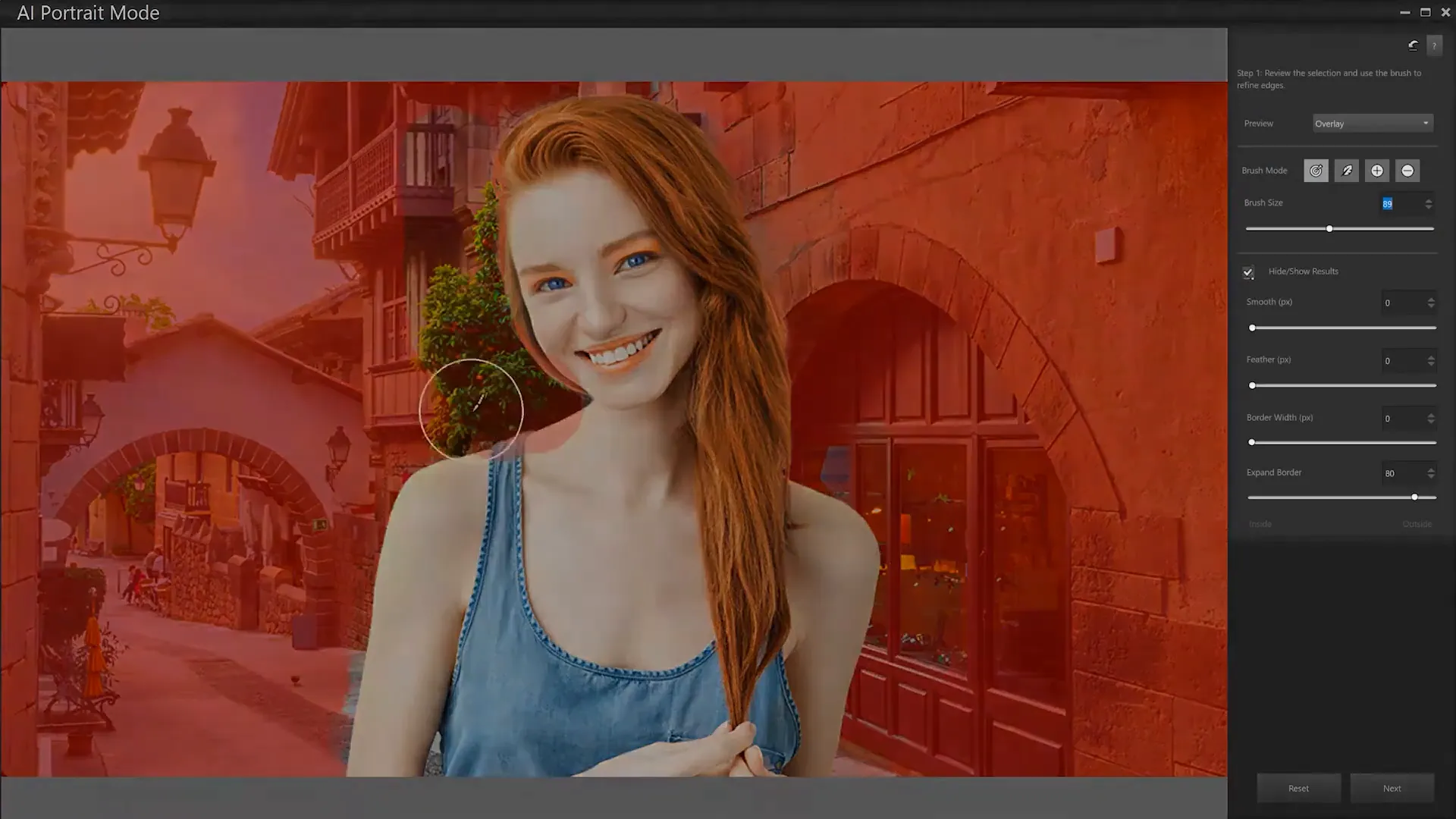
With powerful editing capabilities, PaintShop Pro offers one-click improvements through AI-driven tools. Users can create graphics, edit photos, and add impactful effects easily.
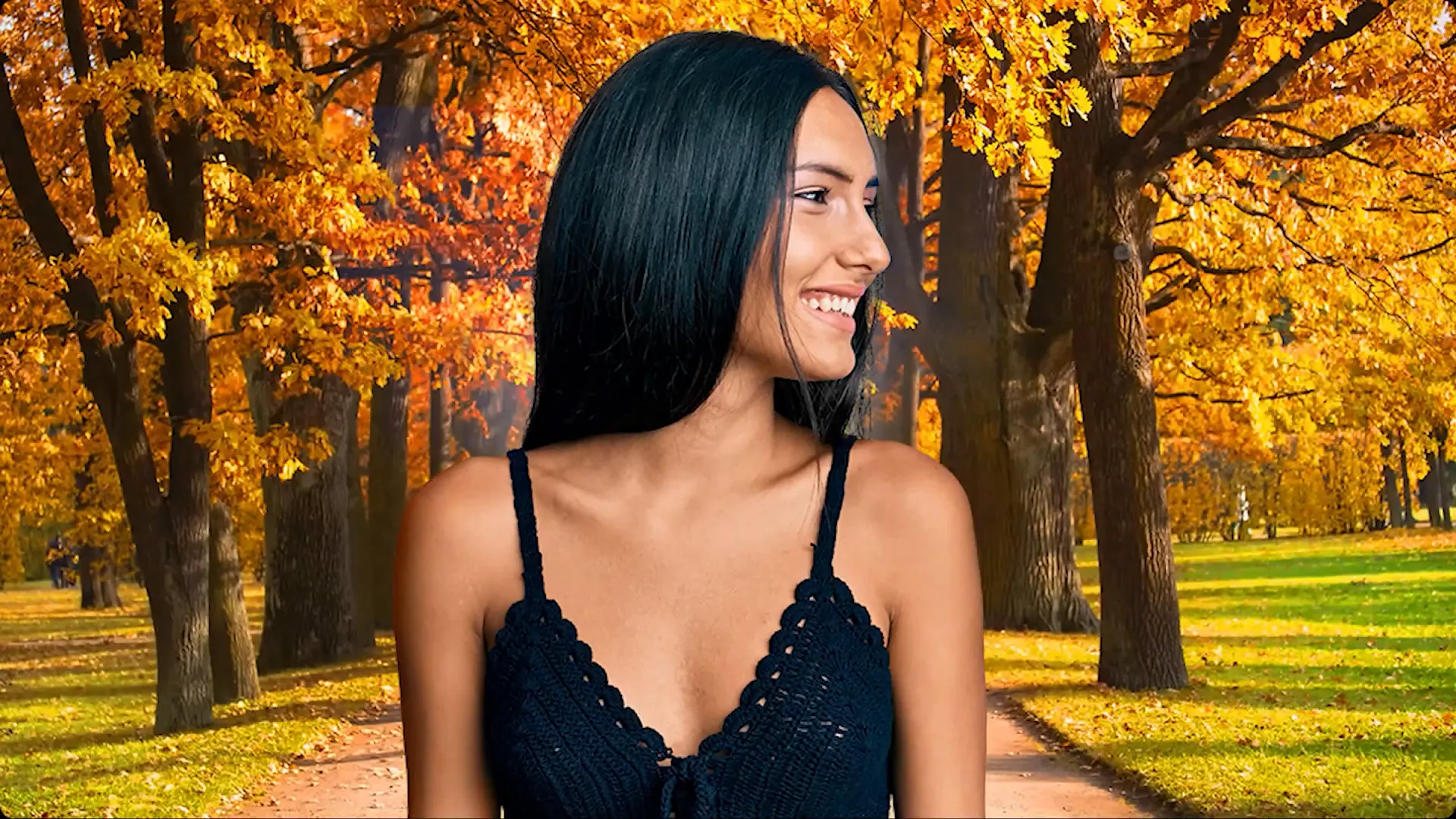
The software features multiple workspaces catering to different editing needs, from basic adjustments to complex compositions. New updates include tools for raw file editing and real-time blend mode previews.
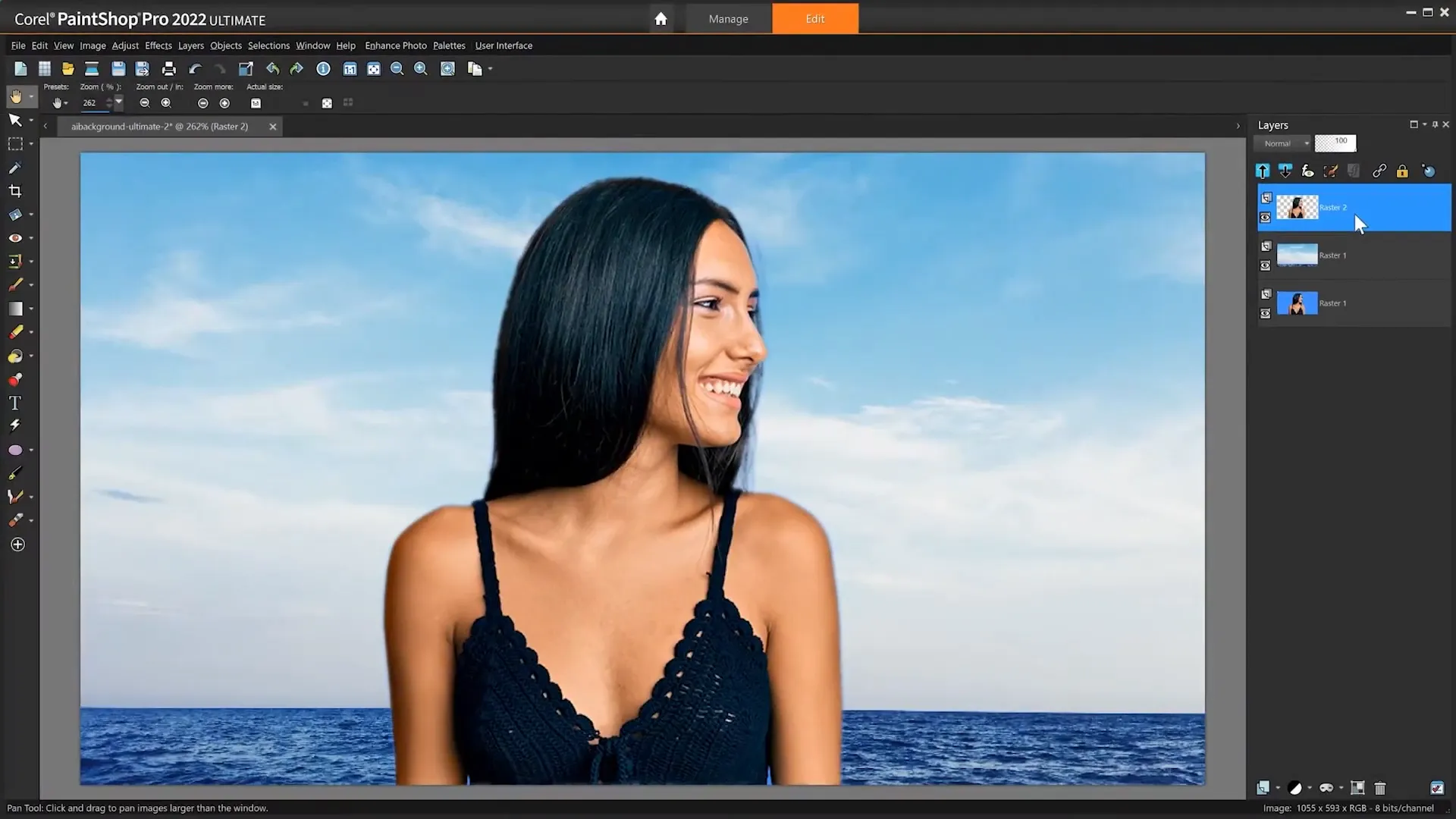
AI tools in PaintShop Pro include AI upsampling, artifact removal, and background replacement, which simplify and enhance the editing process. The software also supports various file formats and offers batch processing for efficiency.
Fotor AI
Fotor’s AI photo editor is designed to simplify the editing process with a suite of AI-driven features. It caters to various editing needs, making it suitable for both beginners and experienced users.
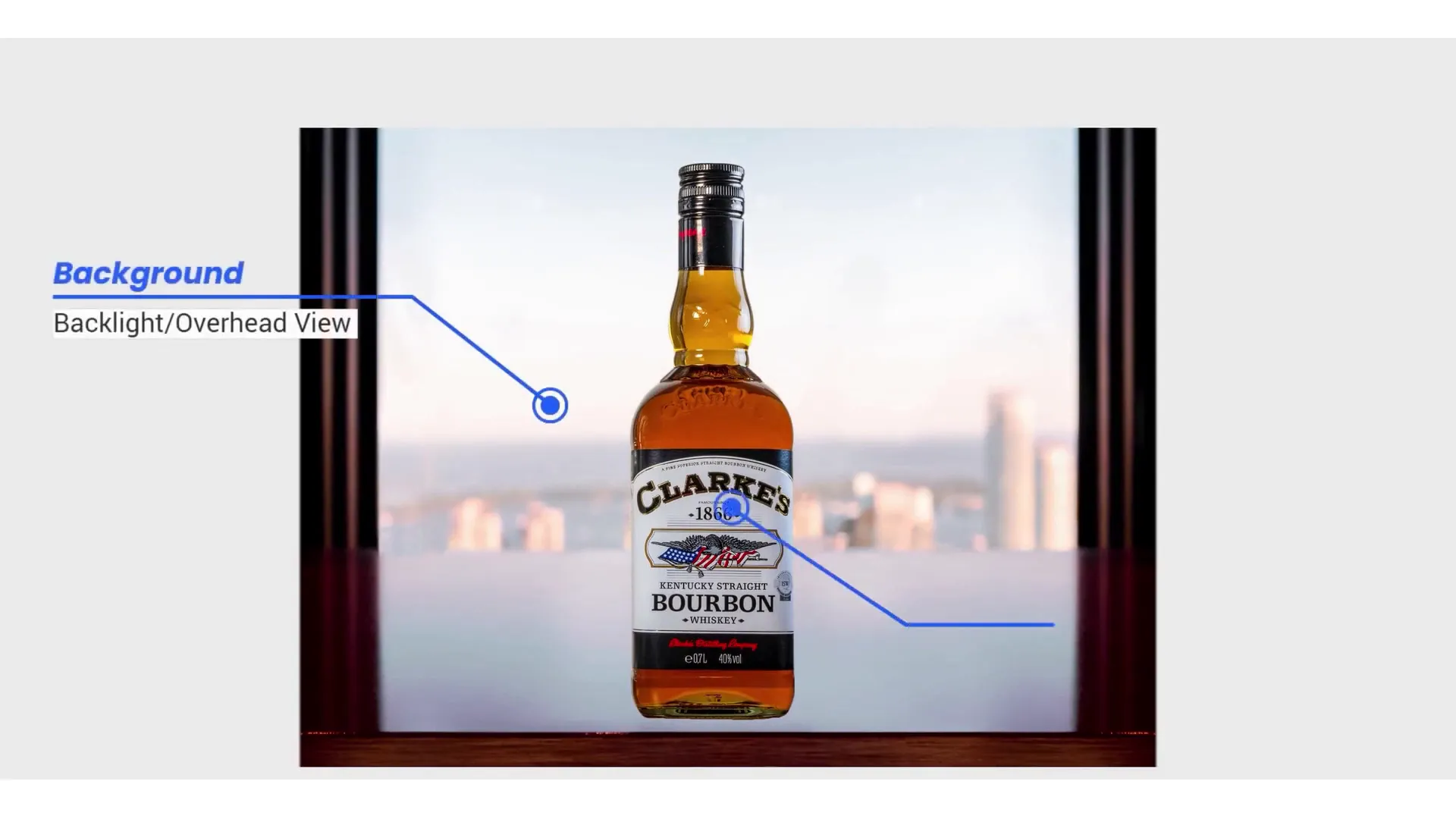
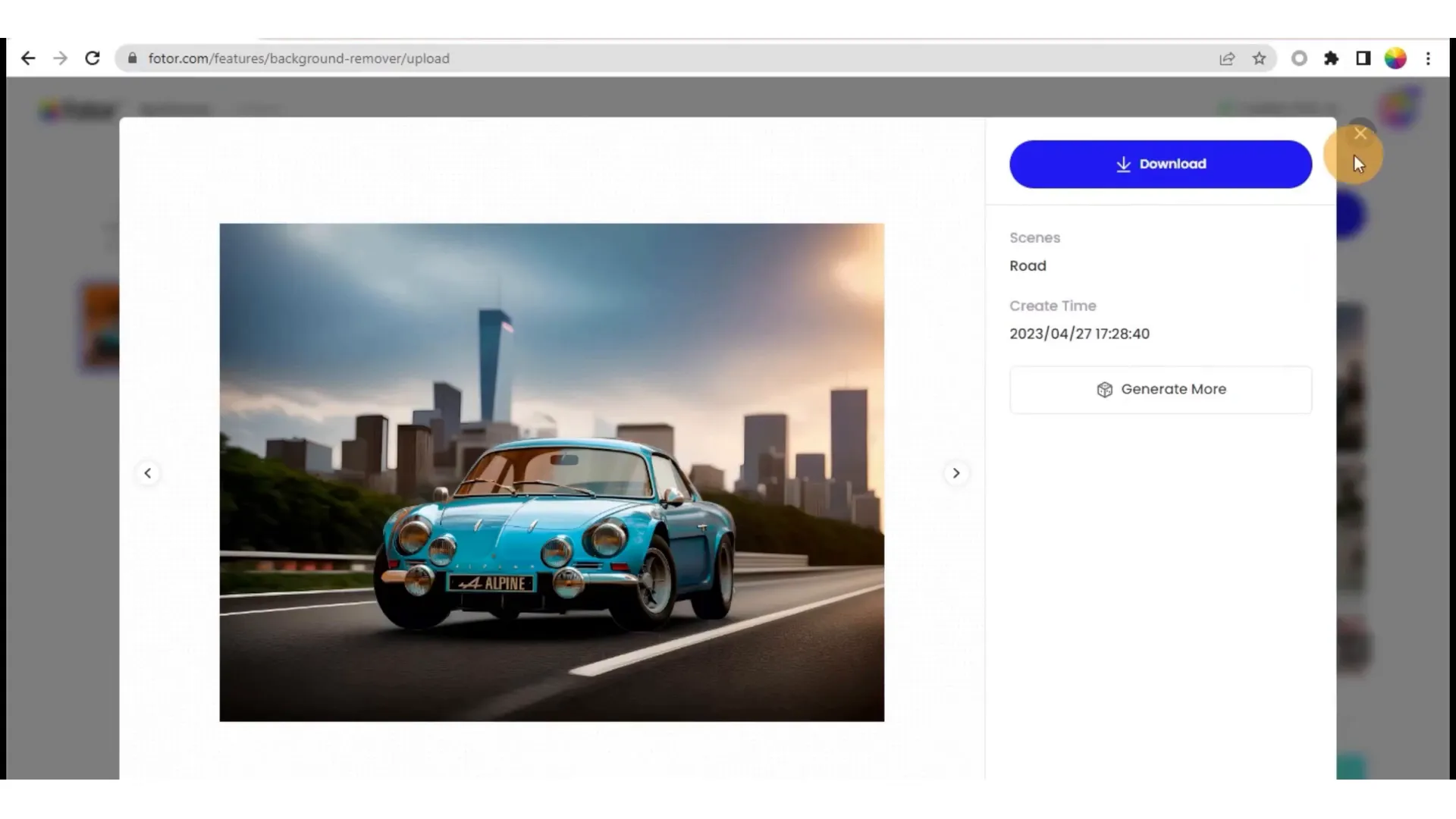
The platform allows for automatic background removal and replacement with one click, thanks to its advanced AI algorithms. Users can also utilize the AI photo eraser for quick object removal.
Fotor’s AI enhancer automatically corrects image issues like brightness and sharpness in seconds, while its upscaling tool improves low-resolution images without quality loss. These features streamline the editing workflow significantly.
PhotoDirector AI
PhotoDirector 365 is an all-in-one editing software that incorporates generative AI, offering cutting-edge tools for photographers. It aims to make photo editing more accessible and efficient.
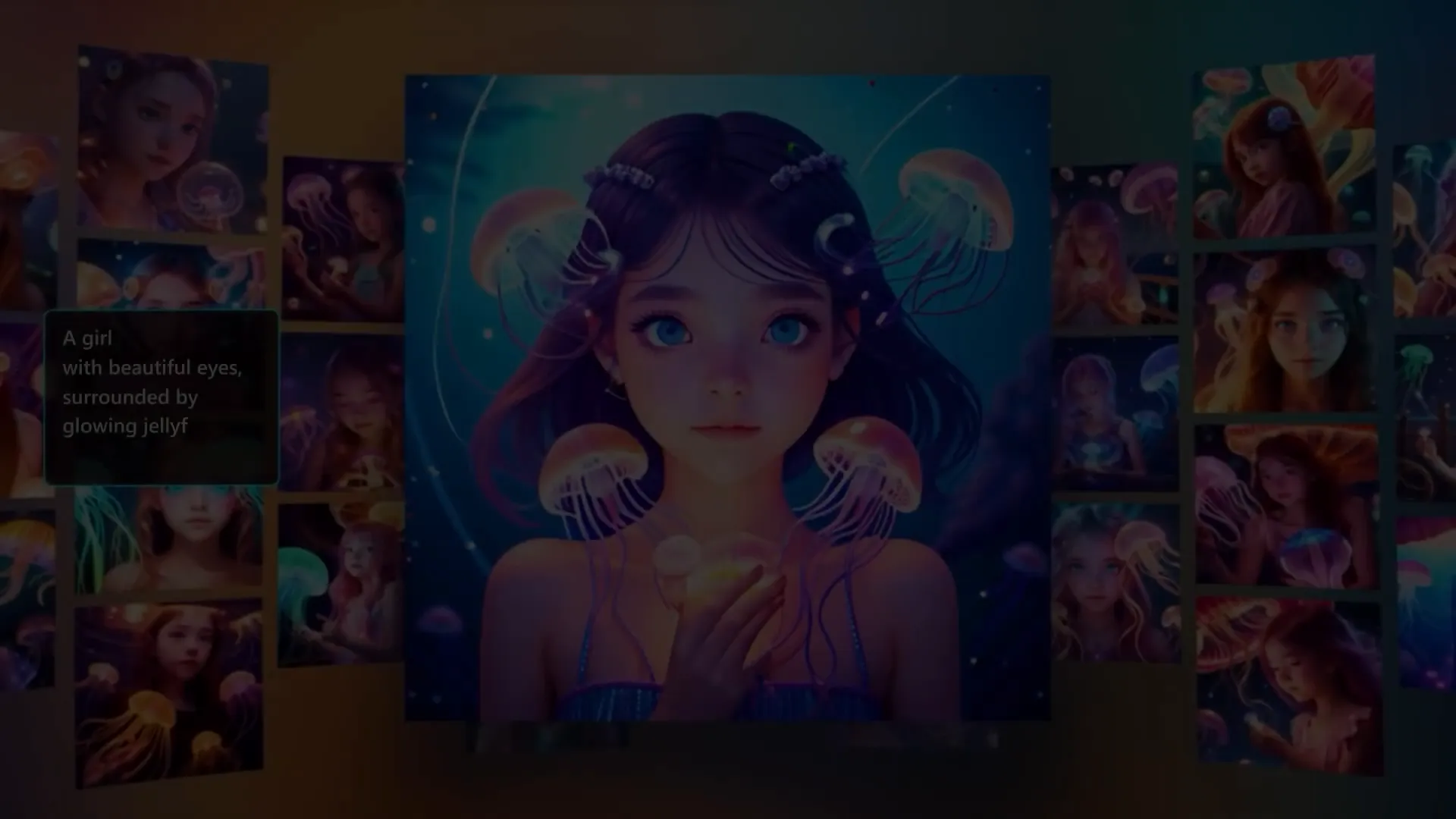
With features for one-click photo enhancements, background changes, and precise removal of unwanted objects, PhotoDirector simplifies the editing process. Its portrait editing tools provide automatic retouching capabilities for a polished finish.

Additionally, the software includes smart tools to address common photo issues, ensuring high-quality results. Users benefit from both automatic enhancements and manual customization options, providing flexibility in their editing.
Pixlr
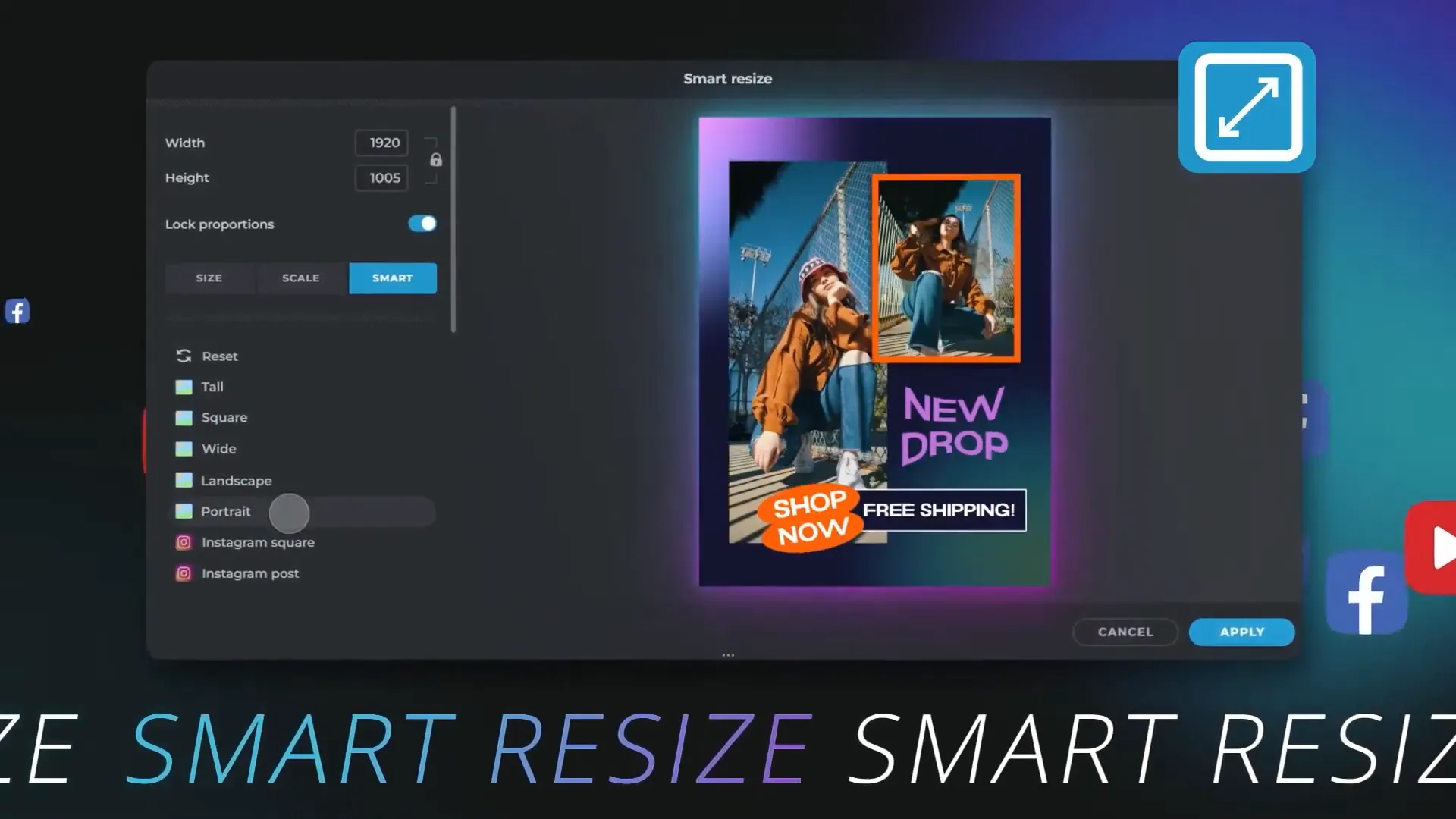
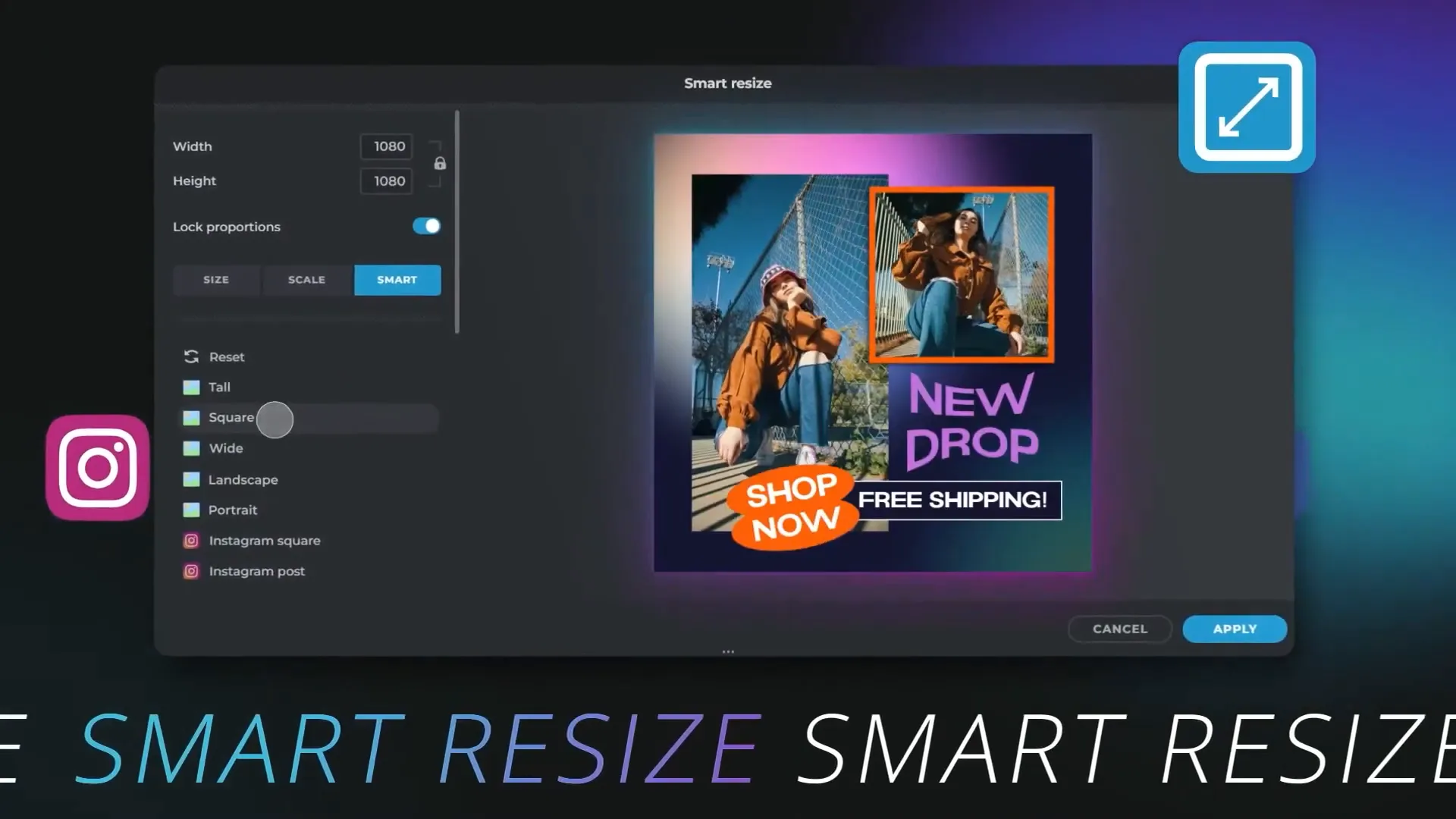
Pixlr offers an online photo editing tool suitable for both beginners and professionals, featuring two platforms: Pixlr X and Pixlr E. Each platform caters to different skill levels and editing styles.
Pixlr X is user-friendly, ideal for quick edits, while Pixlr E provides advanced capabilities for detailed editing work. Both platforms utilize AI to enhance the design process, including background removal and batch editing features.
With a focus on seamless editing, Pixlr also extends its capabilities to mobile devices, allowing users to sync projects and utilize intuitive touch controls for creativity on the go.
Choosing the Right Software
With so many options available, selecting the Best AI Photo Editing Software can be overwhelming. Here are some factors to consider when making your choice:
1. User Experience
Evaluate the software’s interface. A user-friendly design can enhance your editing experience, especially if you’re a beginner. Look for intuitive navigation and accessible tools.
2. Features and Tools
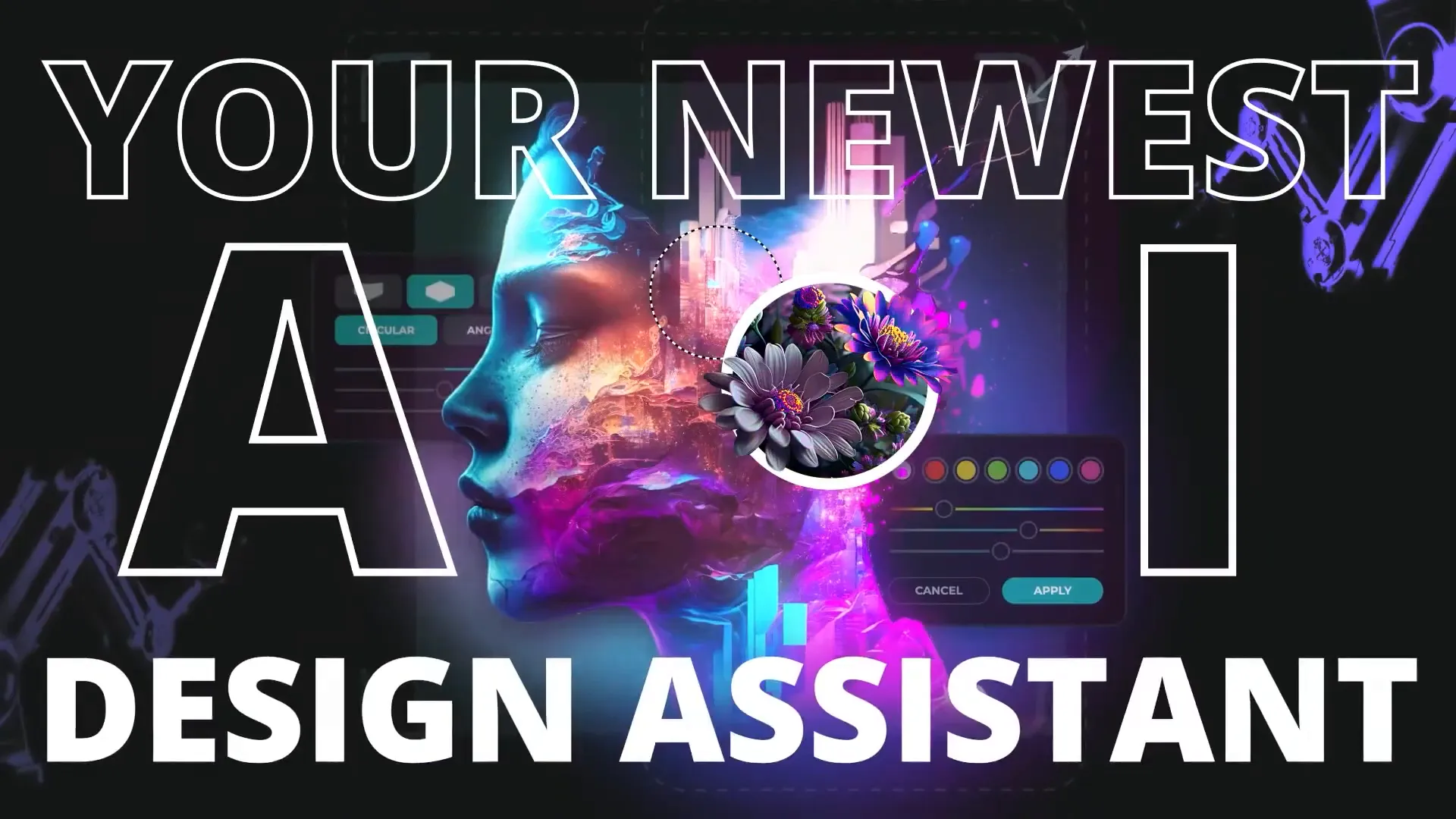
Consider the specific features that each software offers. If you need advanced capabilities like AI masking, background removal, or generative tools, ensure those are available. Compare the functionalities to see which aligns with your editing goals.
3. Performance and Speed
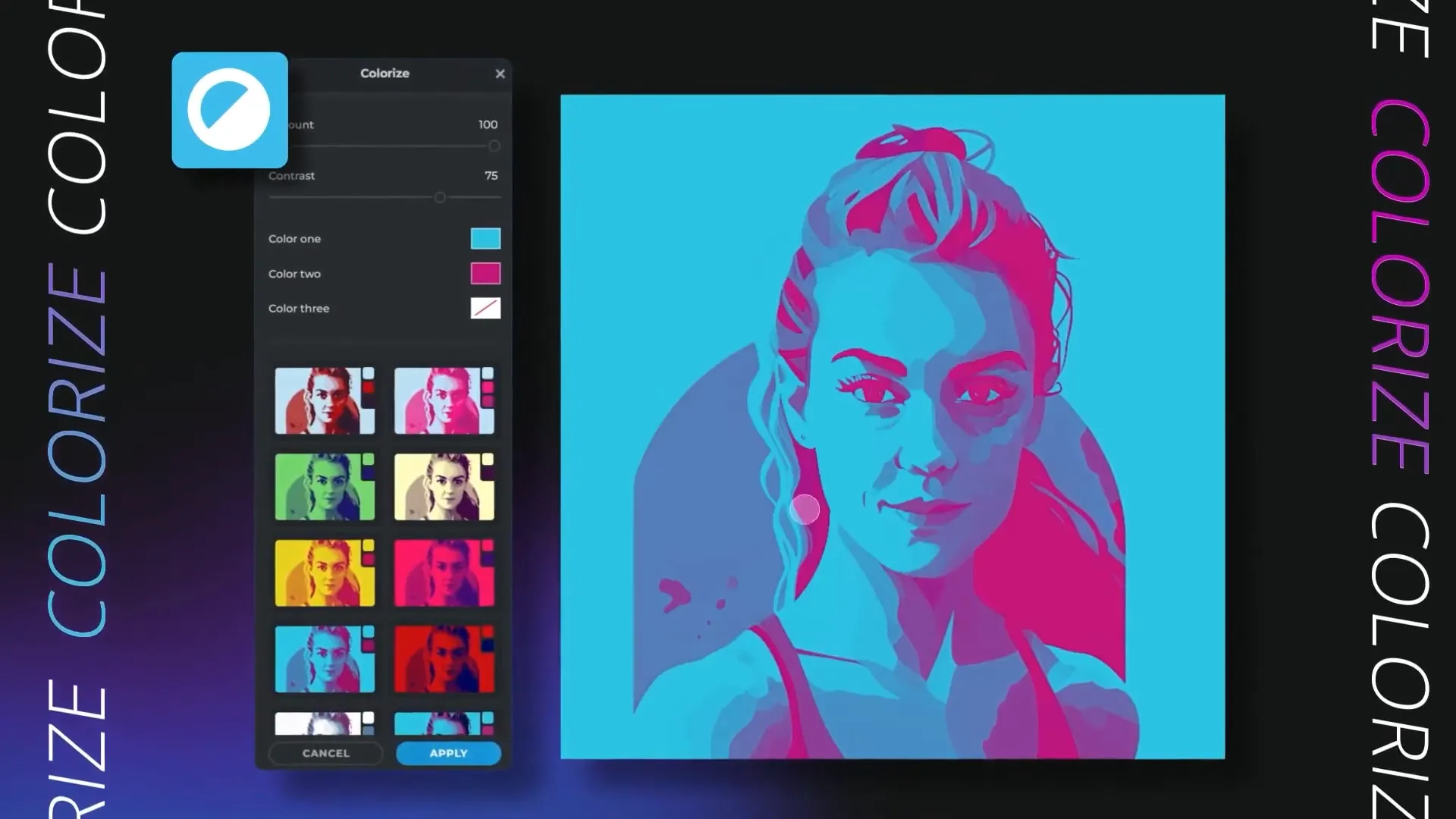
Editing can be time-consuming, so performance matters. Look for software that efficiently handles large files and processes edits quickly. This is especially important for professional photographers working with high-resolution images.
4. Compatibility and Support
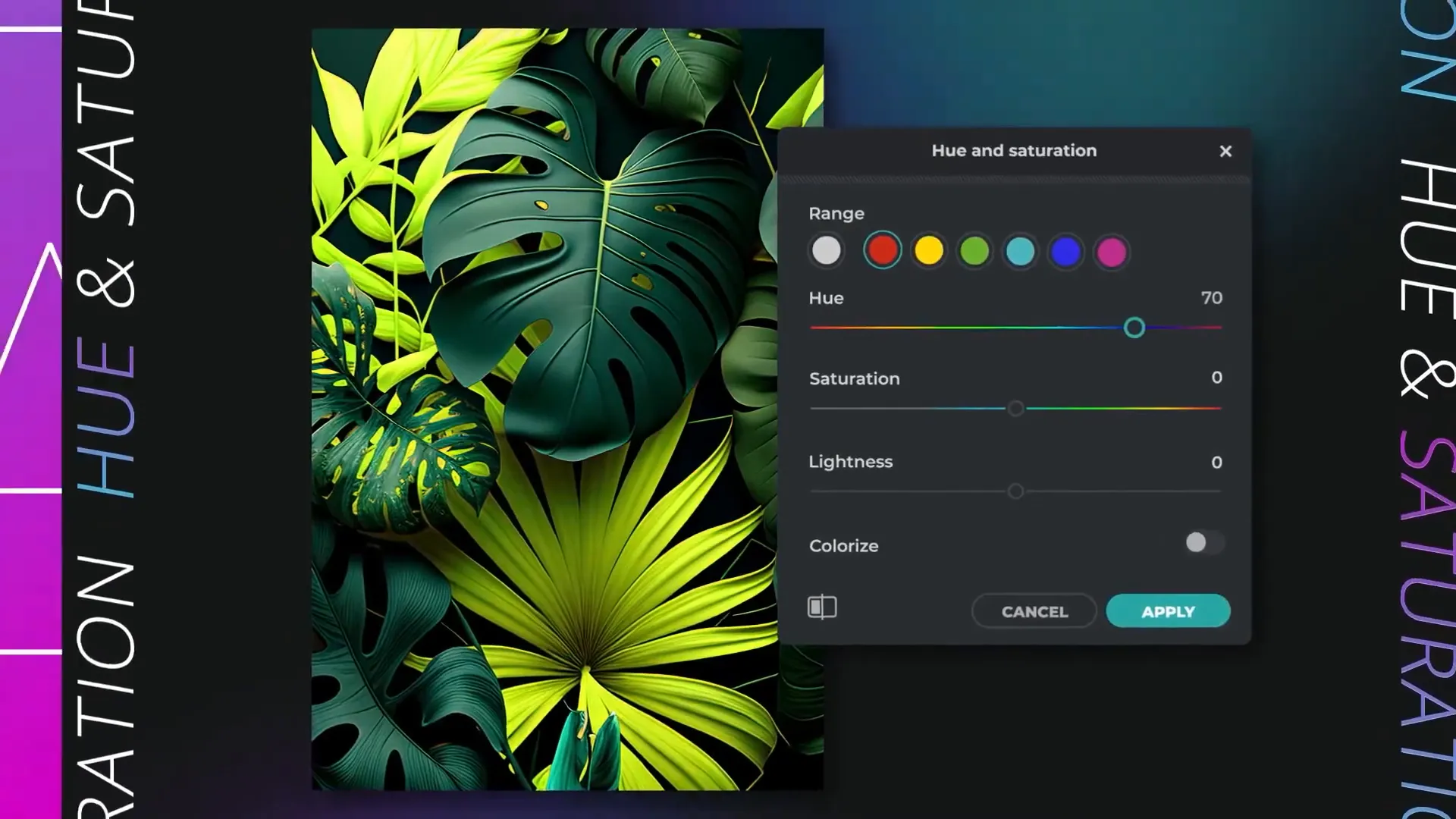
Ensure the software is compatible with your operating system and supports the file formats you typically use. Additionally, check for customer support options like tutorials, forums, or direct assistance.
5. Pricing and Value
Look at the pricing models. Some software offers subscriptions, while others are one-time purchases. Evaluate what features you get for the price and consider any free trials to test them out before committing.
Conclusion
The landscape of photo editing has significantly evolved with the introduction of AI technology. Whether you’re a hobbyist or a professional, the Best AI Photo Editing Software can drastically improve your workflow and enhance your creative output. From Luminar Neo’s intelligent enhancements to Photoshop’s comprehensive toolset, each software offers unique advantages tailored to different needs.
In conclusion, take the time to explore the features and benefits of each option. By aligning your specific needs with the right software, you can elevate your photography and produce stunning results with ease. Don’t hesitate to leverage the free trials available to find the perfect fit for your editing style.
FAQ
What is AI photo editing software?
AI photo editing software uses artificial intelligence to automate and enhance the photo editing process. It can perform tasks like background removal, object detection, and automatic adjustments, making editing more efficient.
Do I need prior editing experience to use AI photo editing software?
No, many AI photo editing tools are designed for users of all skill levels. They often include user-friendly interfaces and automated features that simplify complex editing tasks.
Can I try these software options before purchasing?
Yes, most software packages offer free trials or demos. Take advantage of these offers to explore the features and determine which software best meets your needs.
Is AI photo editing software suitable for professional use?
Absolutely! Many professional photographers use AI editing software to streamline their workflow and achieve high-quality results efficiently. The advanced tools available can cater to professional standards.
What should I look for when choosing AI photo editing software?
Consider the software’s features, user interface, performance, compatibility with your system, and pricing model. These factors will help you find the best software for your editing needs.