Exploring the Best AI Image to Video Generators: A Comprehensive Review
In today’s digital landscape, AI Image to Video Generators are transforming how we create visual content. This blog dives into the top seven tools that can convert images into engaging videos, providing insights into their features, performance, and usability.
Table of Contents
- Video Generator 1: HaiperAI
- Video Generator 2: Luma Dream Machine
- Video Generator 3: Vidu AI
- Video Generator 4: Krea AI
- Video Generator 5: Pixverse
- Video Generator 6: RunwayML
- Video Generator 7: Kling AI
- Comparison of Features
- User Experience and Interface
- Future Trends in AI Video Generation
- FAQ
Video Generator 1: HaiperAI
HaiperAI stands out with its promise of transforming images into dynamic videos. Users can create a free account and enjoy 300 credits upon signing up, which allows for five creations daily. The process is straightforward: upload an image and provide a prompt. The tool excels in generating videos quickly, making it a top choice for users looking for efficiency.
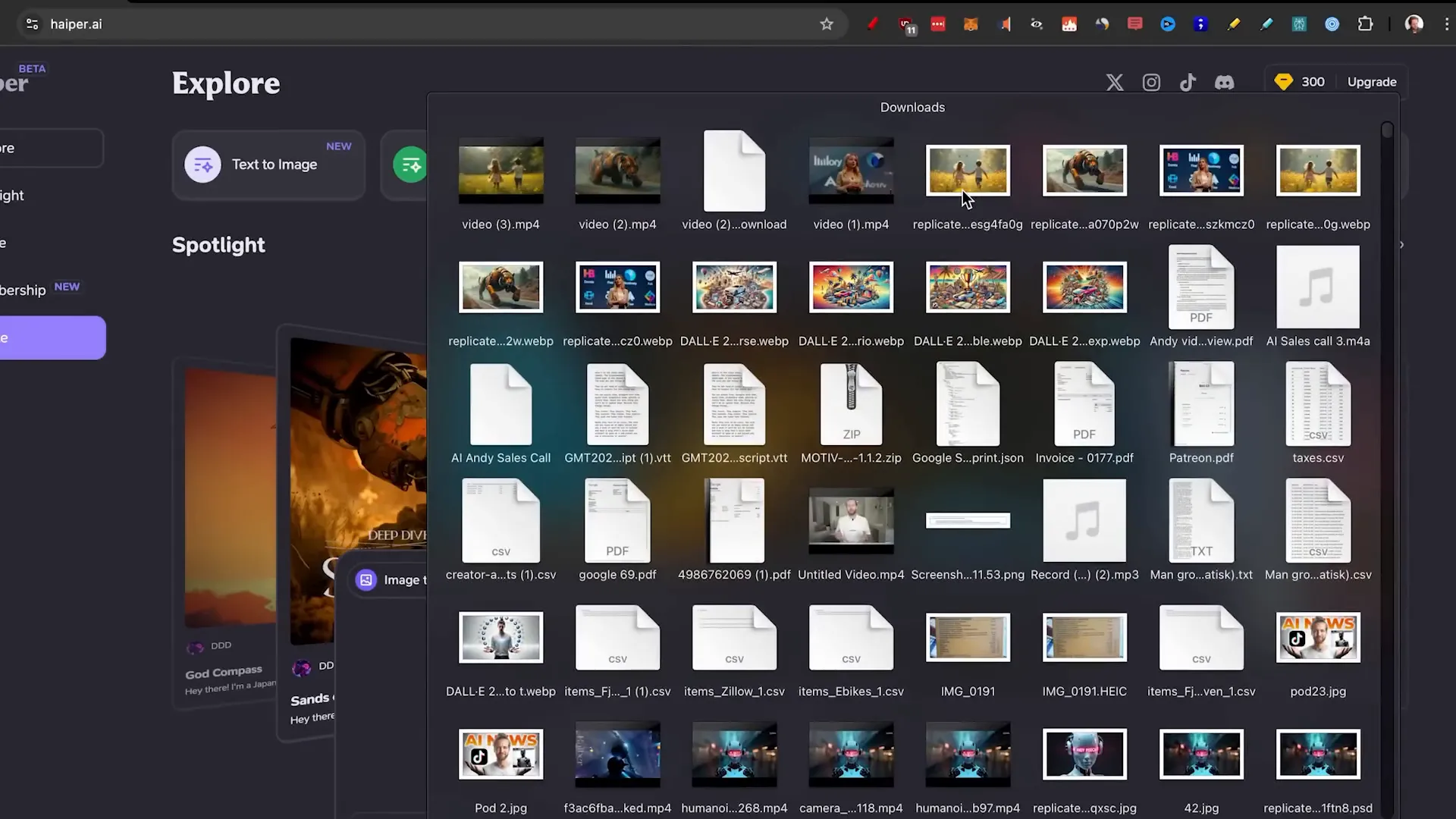
One key feature is its keyframe conditioning, which allows users to select multiple images to create a smooth transition between them. For instance, a prompt like “woman on stage speaking with logos in the background” can yield impressive results. After testing various prompts, the generated videos varied in quality, with some showing excellent detail while others struggled with lip movements.

While HaiperAI is free and user-friendly, it does have limitations. The quality of animations can vary significantly, particularly with complex scenes. However, for quick, eye-catching videos, it ranks well in terms of speed and accessibility.
Video Generator 2: Luma Dream Machine
Luma Labs is often touted as a leading AI image to video generator. Upon entering the platform, users can access a generous amount of free generations daily. However, it’s worth noting that during peak times, users might encounter capacity issues, delaying the generation process.
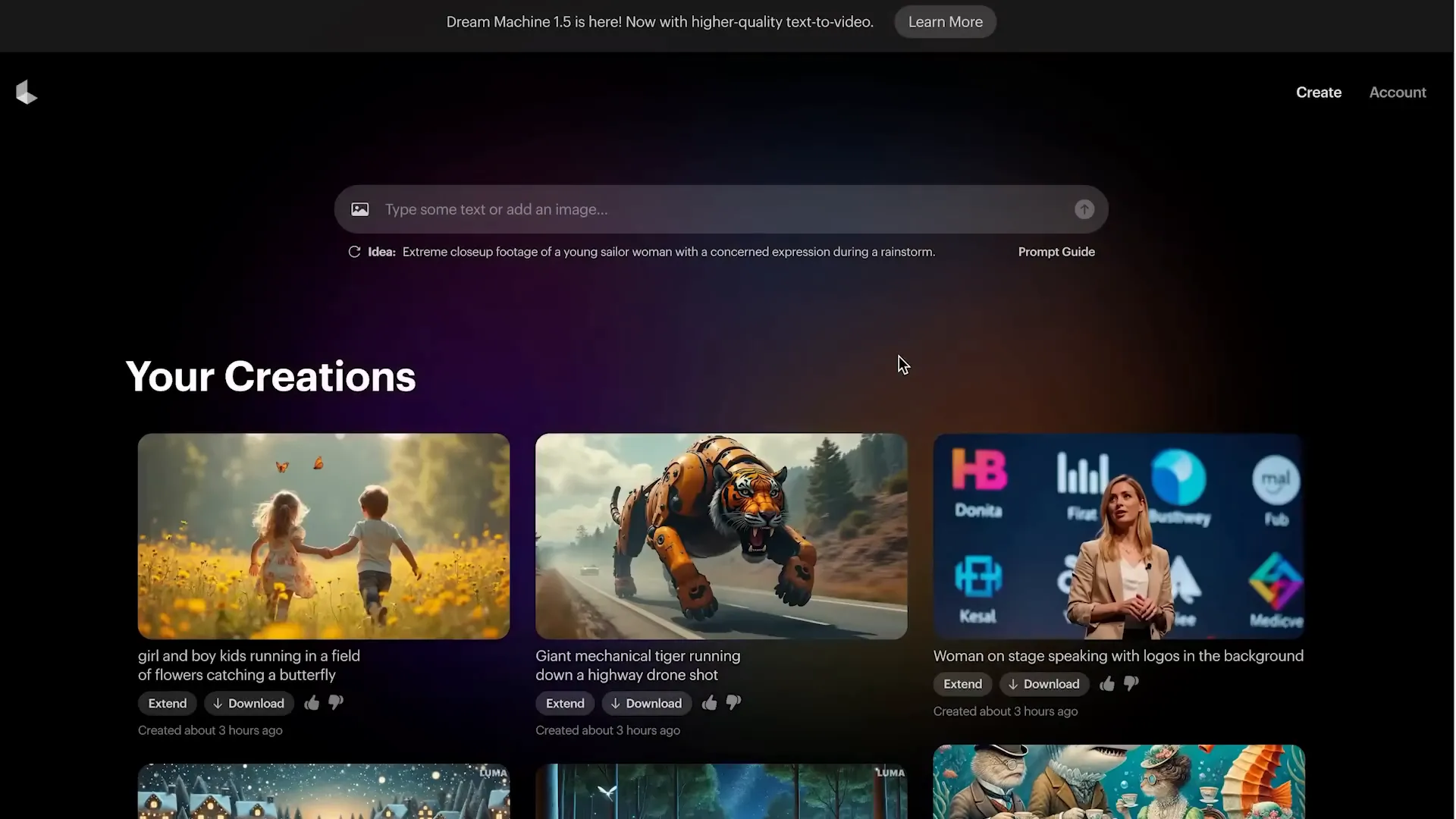
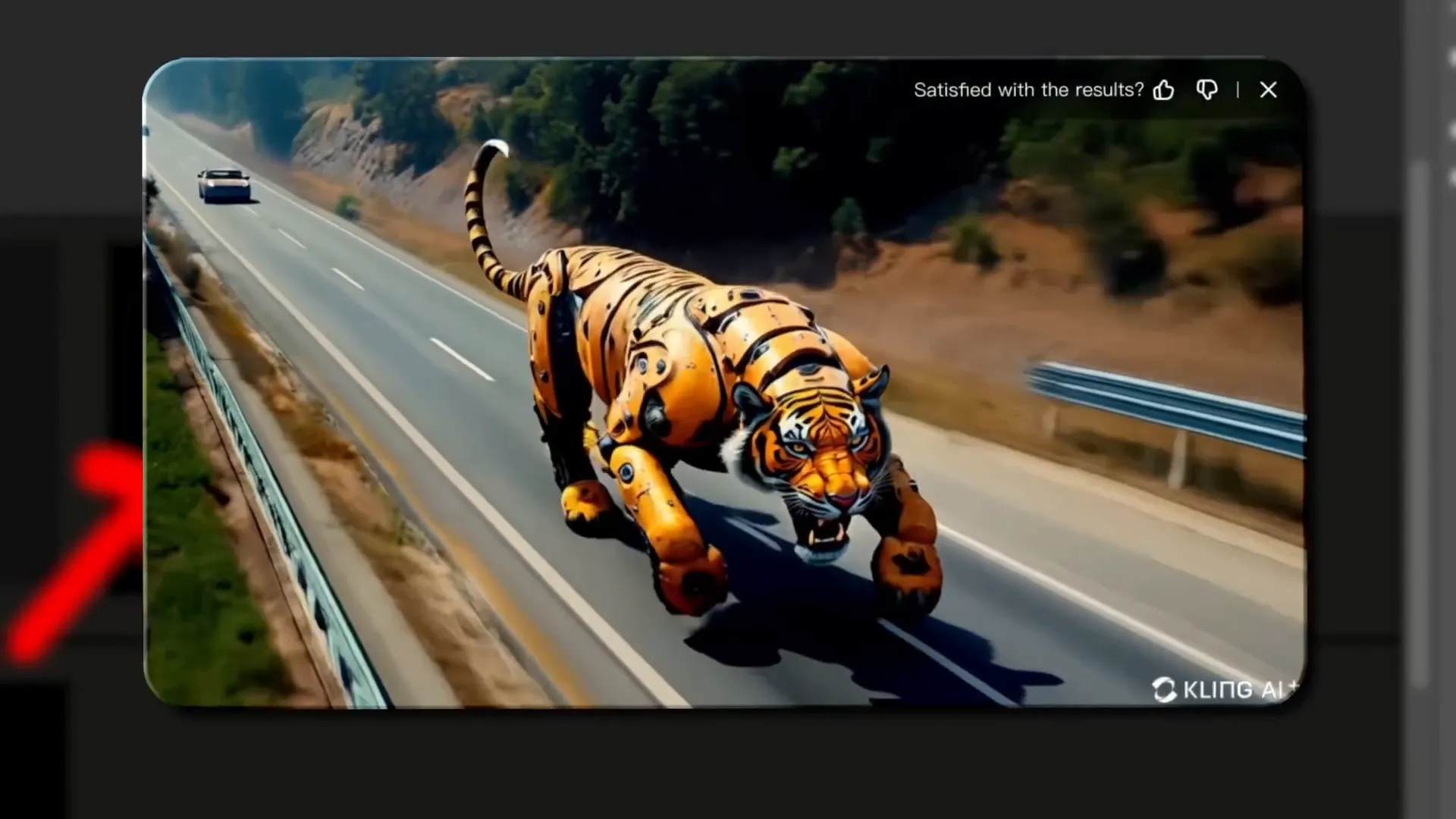
The interface allows users to either upload an image or type a text prompt. The results can be hit or miss; for instance, the animation of a mechanical tiger was realistic, but the character movements often felt static or distorted. When testing the same prompt across different generators, Luma produced mixed results, showcasing both impressive and lackluster outputs.
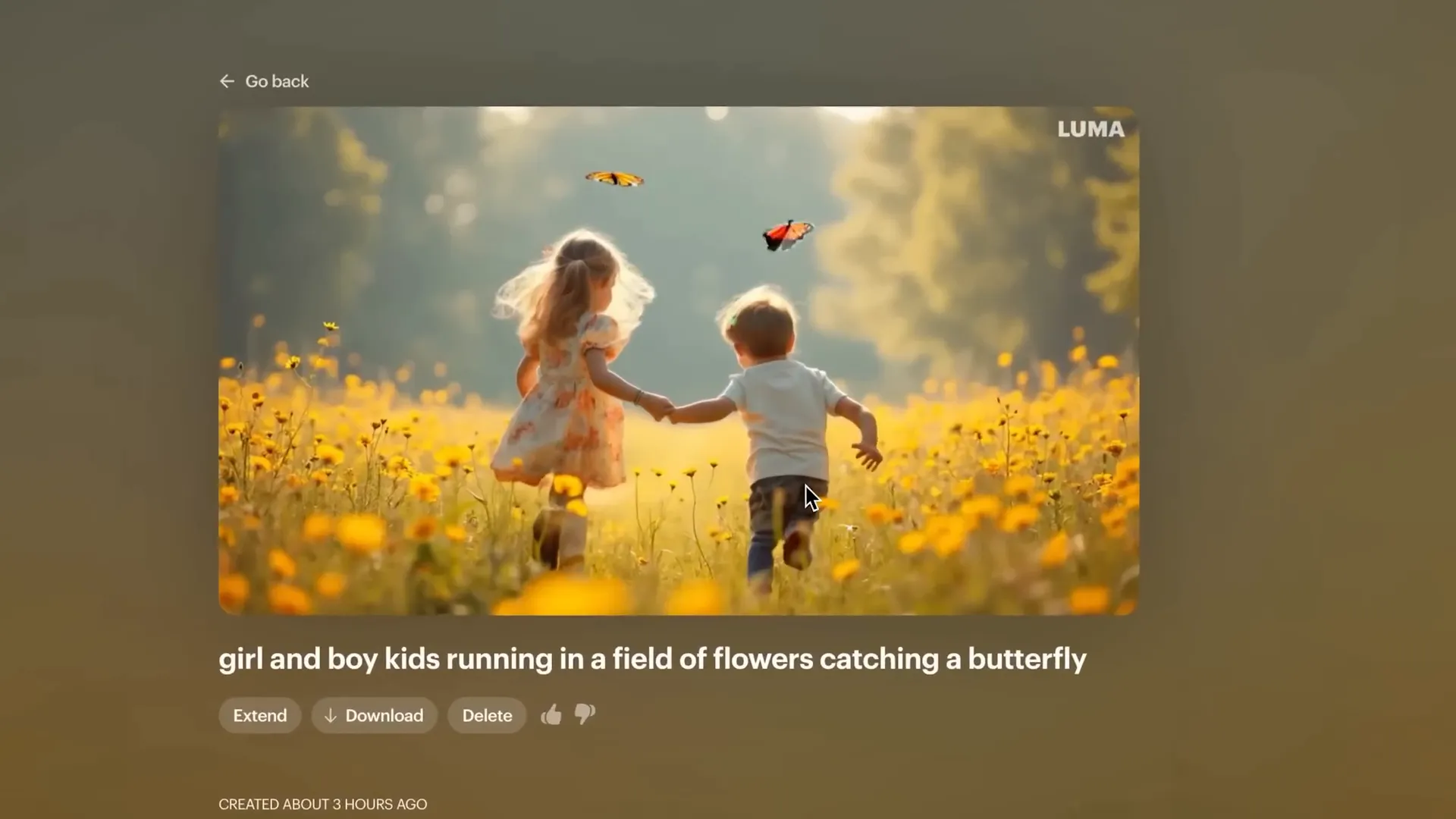
Overall, while Luma offers a robust option, users should be prepared for variability in output quality. It may not be the best choice for those seeking consistent, high-quality results, but its free access and user-friendly interface make it a contender.
Video Generator 3: Vidu AI
Vidu AI is an emerging player in the AI image to video space. It allows users to create videos by simply dragging an image onto the platform. However, the tool’s popularity can lead to capacity issues, limiting the number of simultaneous generations.
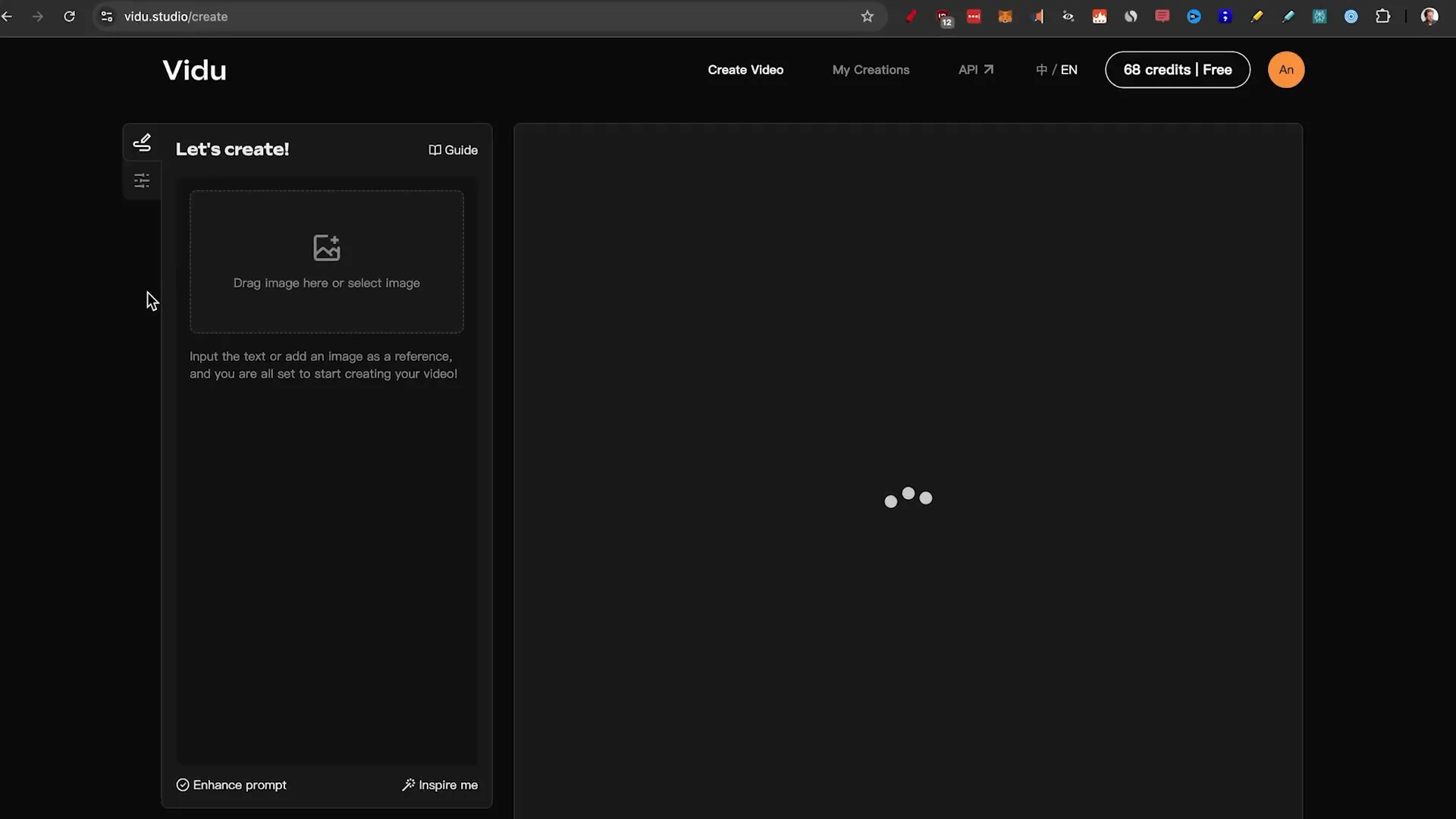
One notable feature of Vidu is its character reference option, enabling users to upload their faces for consistent character representation across videos. Despite its potential, the quality of generated videos, particularly for complex scenes, often falls short. For example, the animations can appear unnatural, leading to a somewhat disjointed viewing experience.

Despite the challenges, Vidu’s cinematic capabilities show promise, especially in simpler scenes. The app’s mobile compatibility is a bonus, making it accessible for users on the go. However, for optimal results, users may need to enhance their videos using additional software.
Video Generator 4: Krea AI
Krea AI offers a unique approach to video generation by allowing users to upload images as keyframes. This feature enables seamless transitions between different images, providing a more dynamic viewing experience. The platform is designed for creativity, making it ideal for users looking to produce visually striking videos.
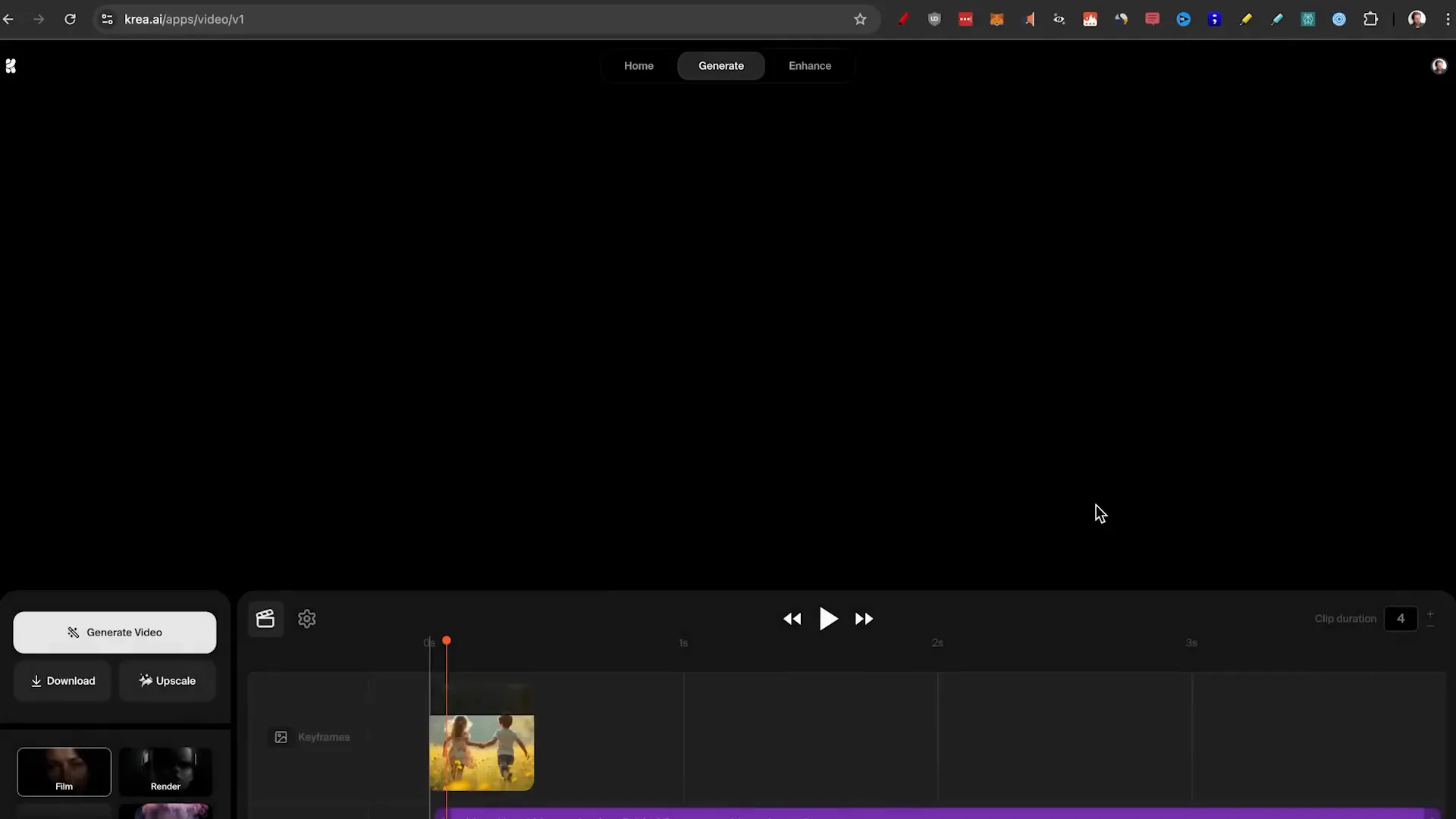
During testing, Krea produced videos that were visually appealing, though not necessarily realistic. The abstract style of the generated content can be particularly engaging for music videos or artistic projects. Users can adjust clip durations and experiment with various settings, enhancing the creative possibilities.
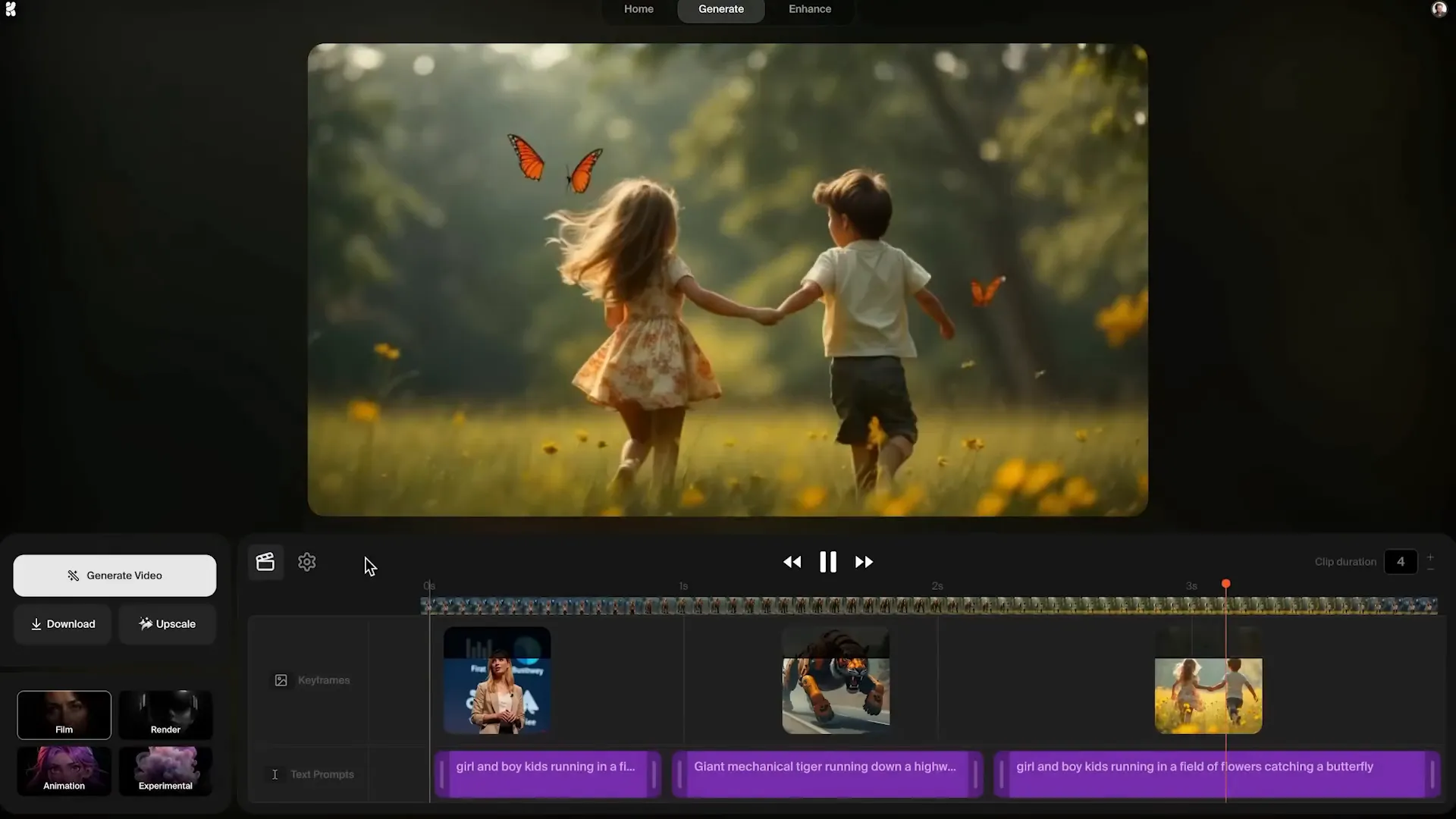
Krea excels in speed and customization, making it a fun tool for generating attention-grabbing content. However, users seeking realism may find it lacking. Nonetheless, for those looking to create unique, stylistic videos, Krea is a valuable option.
Video Generator 5: Pixverse
Pixverse has gained recognition as a reliable AI image to video generator. The platform offers both image to video and text to video options, allowing users to create diverse content. However, due to high demand, users might experience longer generation times.
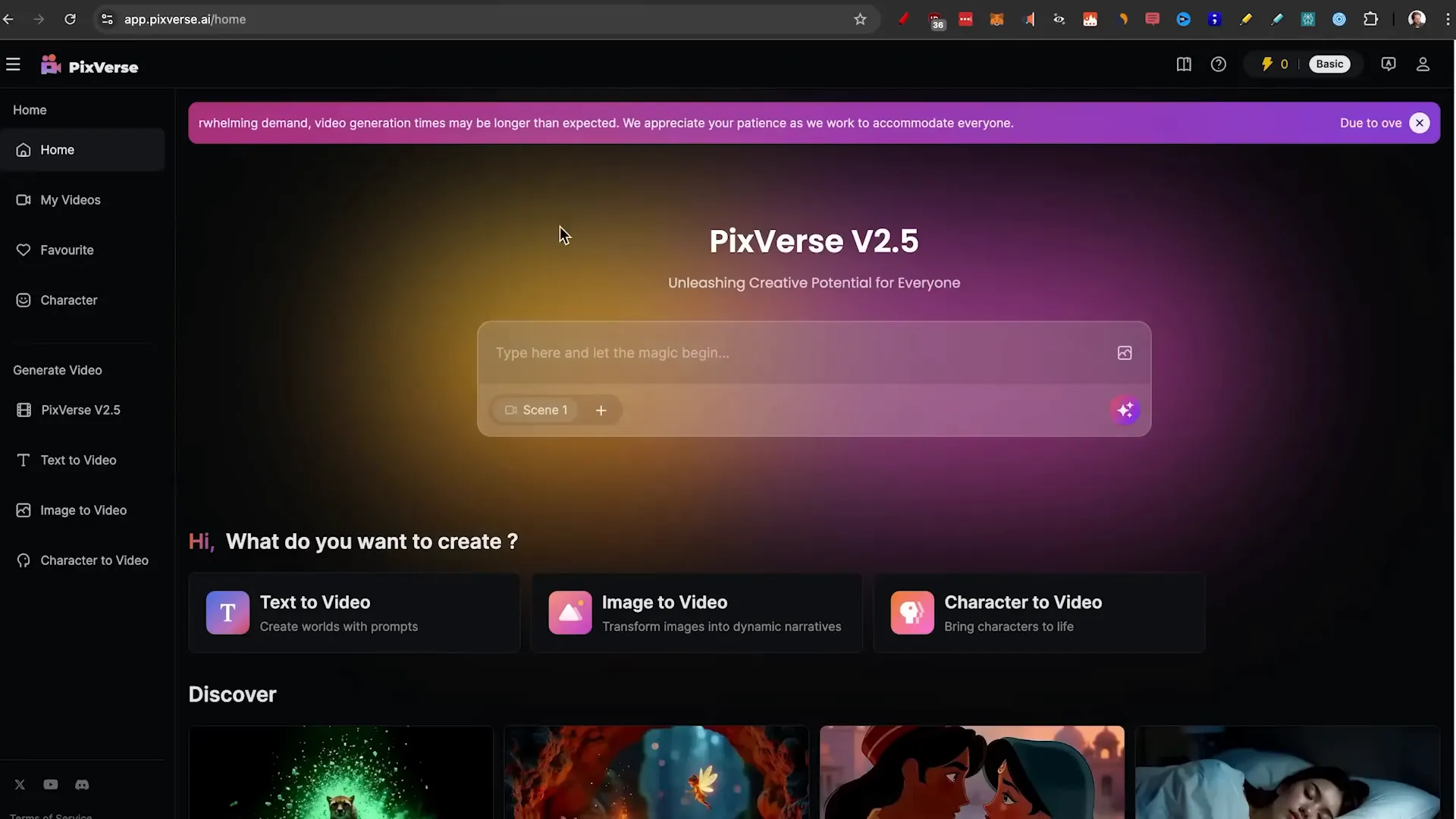
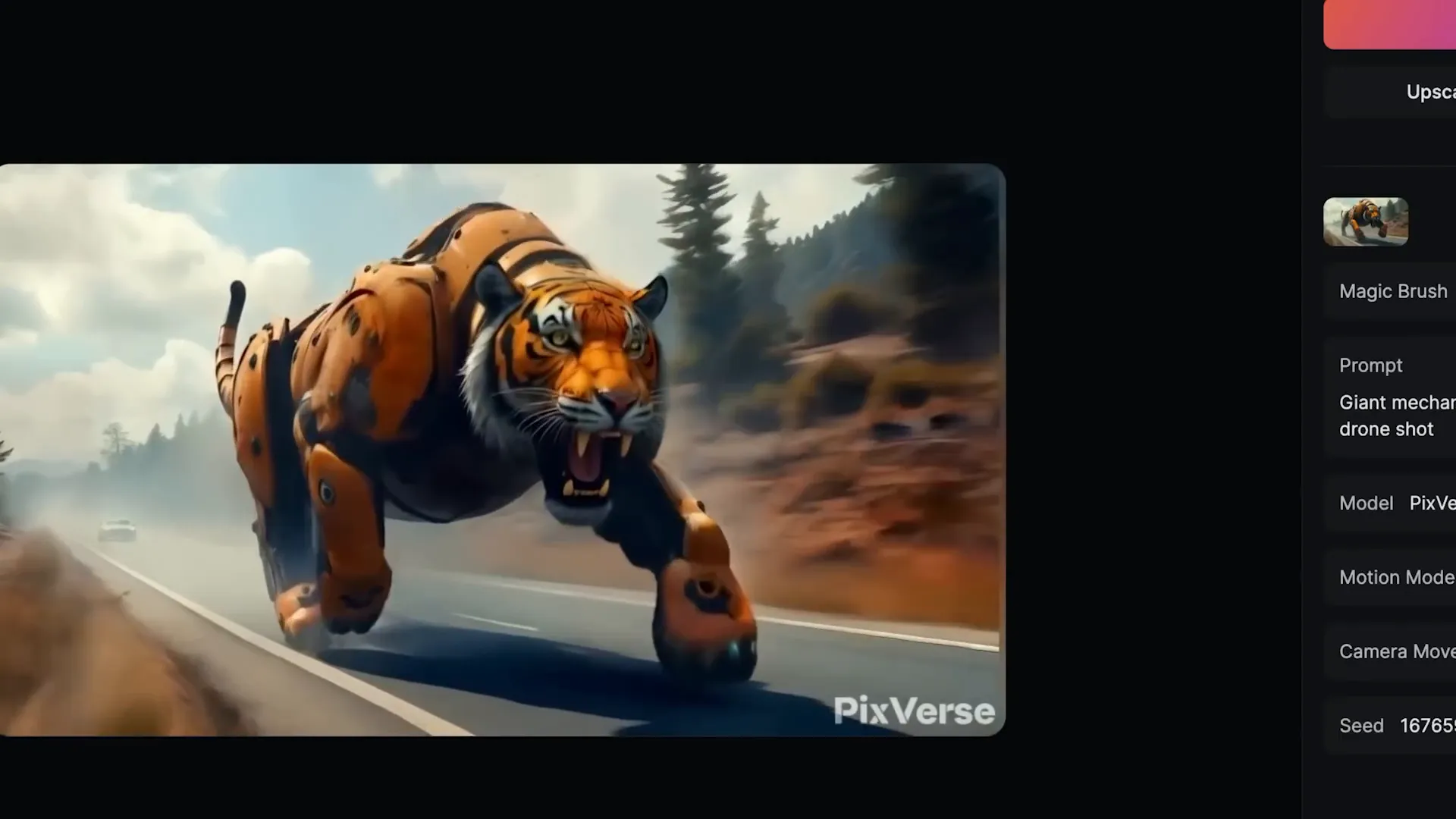
Pixverse includes features like a magic brush, which allows users to add motion to specific parts of their images. While the overall quality of generated videos is decent, some animations, such as those of a tiger, demonstrated improvements in realism compared to previous generators.
Despite its strengths, the limitations on free credits can deter some users. With only two free generations allowed daily, Pixverse may not be the best choice for those seeking extensive free access. However, for users willing to explore its offerings, it presents a solid option for creating engaging videos.
Video Generator 6: RunwayML
RunwayML has made waves in the AI video generation space with its Gen 3 Alpha feature. This tool is known for its impressive output quality, though users might face challenges accessing the free version due to capacity limits.
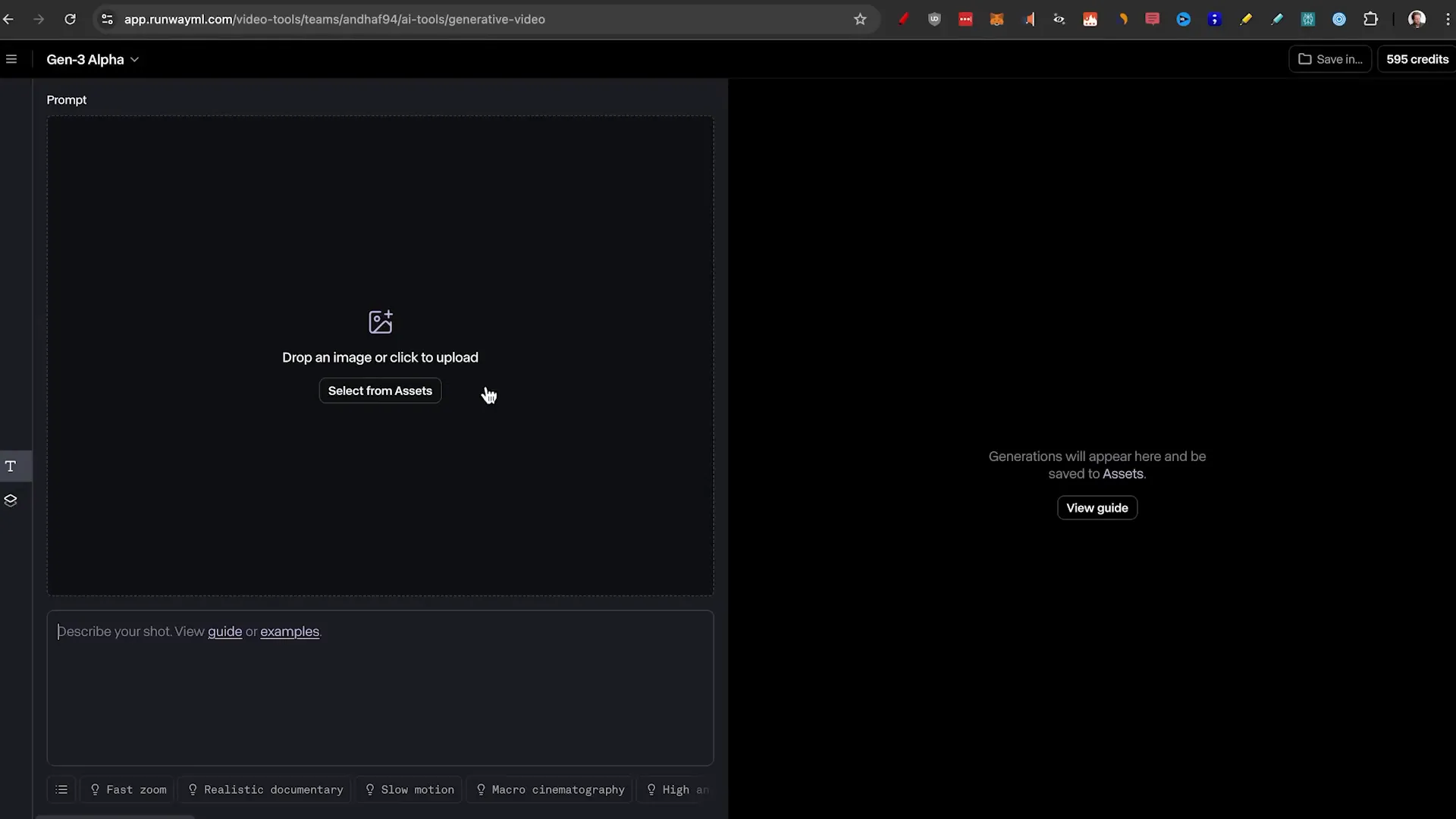
The process is straightforward: users upload an image and provide a prompt, with options for applying various cinematic effects. The results from RunwayML have been described as some of the best in the industry, showcasing high levels of detail and realism.

While the pricing may be a drawback for some, the quality of the generated videos positions RunwayML as a top choice for users seeking superior results. Its capabilities extend beyond simple animations, making it a versatile tool for various video production needs.
Video Generator 7: Kling AI
Kling AI, often referred to as the “Sora killer,” has recently become accessible to users. The platform allows for free daily generations, though users may experience long wait times due to high demand.
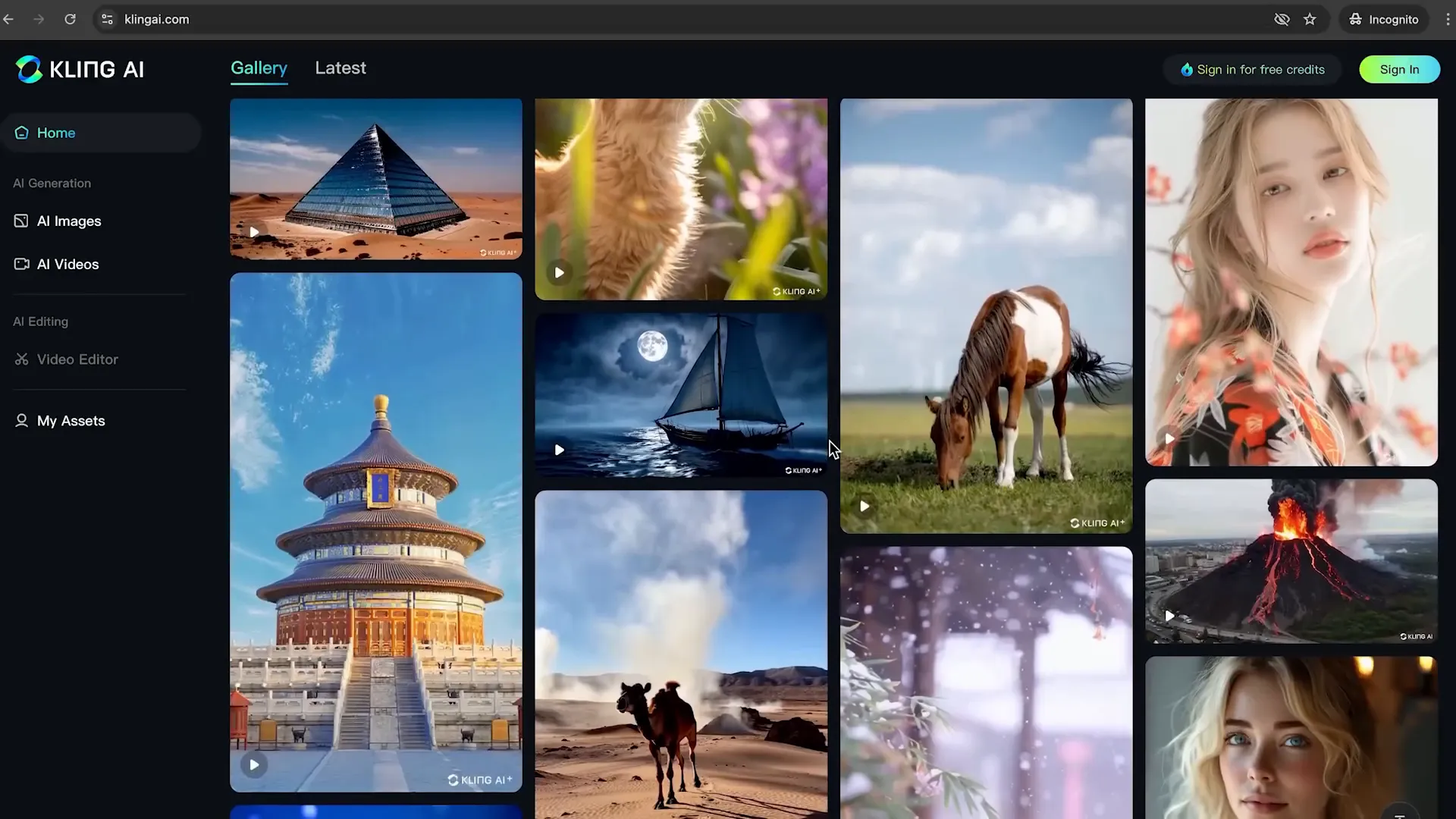
When creating videos, users can choose between standard and professional modes, with the latter offering enhanced capabilities. The quality of generated videos has impressed many, particularly in terms of character movement and animation fluidity.

Kling AI’s combination of affordability and quality makes it a strong contender in the AI video generation market. Users can expect engaging outputs that are both visually appealing and dynamic, positioning Kling AI as a valuable tool for creators.
Comparison of Features
When evaluating AI Image to Video Generators, it’s essential to consider the features each platform offers. This comparison will help users identify which tool meets their specific needs and preferences.
Feature Overview
- HaiperAI: Offers keyframe conditioning for smooth transitions, quick generation time, and free daily credits.
- Luma Dream Machine: Provides a mix of free generations, though users may face capacity issues during peak times.
- Vidu AI: Allows character reference uploads and has a user-friendly interface, but struggles with quality in complex scenes.
- Krea AI: Known for its unique keyframe approach, enabling dynamic video creation with a focus on abstract styles.
- Pixverse: Features a magic brush for selective motion and decent video quality, but limits free generations.
- RunwayML: High output quality with various cinematic effects but may be limited by capacity for free users.
- Kling AI: Offers both standard and professional modes, delivering impressive quality in animations.
Customization Options
Customization is a critical aspect of video generation. Users often seek tools that allow for various adjustments to enhance their creative output.
- HaiperAI: Offers resolution settings and basic customization for video length.
- Luma Dream Machine: Limited customization options, focusing more on the generation process.
- Vidu AI: Allows for character reference uploads, promoting consistency across videos.
- Krea AI: Provides extensive customization, including clip duration and rendering options.
- Pixverse: Offers motion settings and camera movement adjustments for more dynamic visuals.
- RunwayML: Features templates for cinematic effects, enhancing user creativity.
- Kling AI: Users can adjust settings for camera movement and apply negative prompts to improve results.
Quality of Output
The quality of generated videos is paramount for users who prioritize professional-looking results. Here’s how the generators stack up:
- HaiperAI: Generally decent but can vary significantly depending on the complexity of the prompt.
- Luma Dream Machine: Mixed results, with some videos appearing unrealistic or distorted.
- Vidu AI: Quality can be inconsistent, particularly with complex scenes.
- Krea AI: Focuses on style over realism, producing visually engaging but abstract content.
- Pixverse: Improved realism in certain animations but still falls short in weight and fluidity.
- RunwayML: Noted for high-quality output, with realistic animations and fine details.
- Kling AI: Excels in animation quality, providing dynamic and visually appealing results.
User Experience and Interface
User experience is crucial when selecting an AI Image to Video Generator. A well-designed interface can significantly enhance productivity and ease of use.
Ease of Use
- HaiperAI: User-friendly interface with straightforward navigation for newcomers.
- Luma Dream Machine: Simple process but may frustrate users with capacity issues.
- Vidu AI: Drag-and-drop functionality makes it accessible, though it may require patience during peak times.
- Krea AI: Intuitive design allows for easy experimentation with video generation.
- Pixverse: A bit more complex due to various settings, but manageable for most users.
- RunwayML: May pose challenges for new users due to its extensive feature set.
- Kling AI: Designed for ease of use, though free users may face long generation times.
Community and Support
A supportive community and available resources can greatly enhance the user experience. Here’s a look at the support offered by each platform:
- HaiperAI: Basic resources available, but community engagement is limited.
- Luma Dream Machine: Active user community, but support may be slow during peak times.
- Vidu AI: Limited community resources, but user feedback is generally positive.
- Krea AI: Engaging community with many users sharing creative outputs.
- Pixverse: Support resources exist, but user engagement could be improved.
- RunwayML: Strong community presence, with many tutorials and resources available.
- Kling AI: Newer platform with a growing community and increasing support resources.
Future Trends in AI Video Generation
As technology continues to evolve, AI Image to Video Generators are likely to see significant advancements. Several trends are emerging that could reshape the landscape of video content creation.
Increased Realism and Quality
One of the most anticipated trends is the enhancement of realism in generated videos. As algorithms improve and datasets expand, we can expect more lifelike animations and smoother transitions. This will make AI-generated videos increasingly indistinguishable from real footage.
Broader Accessibility
With the rise of powerful cloud computing and more efficient algorithms, AI video generation tools are becoming more accessible to the general public. We can expect user-friendly interfaces and mobile applications that allow anyone to create high-quality videos with minimal effort.
Integration with Other Technologies
AI video generators will likely integrate with other emerging technologies, such as augmented reality (AR) and virtual reality (VR). This integration could lead to immersive experiences where users can create and manipulate video content in real-time within a 3D environment.
Personalized Content Creation
As AI becomes more sophisticated, we can anticipate personalized video creation tools that cater to individual user preferences. This could involve generating videos based on user behavior, interests, and previous interactions, making content more relevant and engaging.
Ethical Considerations and Regulations
With the proliferation of AI-generated content, ethical considerations and regulations will become crucial. As creators and platforms navigate issues like copyright, misinformation, and the potential for misuse, establishing clear guidelines will be essential for the responsible use of AI in video generation.
FAQ
What are AI Image to Video Generators?
AI Image to Video Generators are tools that utilize artificial intelligence to convert static images into dynamic video content. They automate the animation process, allowing users to create videos from images without requiring advanced technical skills.
Can I use these tools for free?
Many AI Image to Video Generators offer free versions with limited features or credits. However, users may encounter restrictions on the number of videos they can generate daily or experience slower processing times during peak usage.
Which AI Image to Video Generator is the best?
The best generator often depends on individual needs and use cases. Factors such as output quality, speed, customization options, and user experience should be considered when choosing a tool. Popular options include RunwayML, Krea AI, and Kling AI, each excelling in different areas.
How can I improve the quality of generated videos?
To enhance the quality of AI-generated videos, consider using high-resolution images as inputs, experimenting with different prompts, and utilizing any available customization options. Additionally, post-processing with software like Topaz Labs can help refine the final output.
Are there any limitations to using AI Image to Video Generators?
Yes, limitations include the quality of animations, especially in complex scenes, potential capacity issues during peak times, and restrictions on free usage. Users may also need to invest time in learning how to effectively use the tools for optimal results.